Semrush is one of the most popular SEO tools on the market. It offers just about everything – keyword research, rank tracking, site audits, backlink analysis, and even content planning features.
But not everyone needs all those features. And not everyone can afford Semrush’s $139.95/month starting price tag.
I’ve used Semrush before, and while it’s powerful, it can feel overwhelming if you’re just starting out.
For beginners, solo bloggers, small business owners, or even mid-size agencies with tighter budgets, paying that much every month might not make sense.
In this guide, I’ll show you other SEO tools that do a great job without draining your wallet or overloading you with data you won’t use.
Some are cheaper all-in-one SEO options. Others focus on one specific task, like keyword research or content optimization, and do it really well. Some SEO tools even offer lifetime deals or generous free plans that let you get started with little to no cost.
By the end of this post, you’ll know which of the best Semrush alternative SEO tools makes the most sense for you, depending on how you work, what you need, and how much you’re willing to spend.
Let’s keep things simple, useful, and focused on real results.
What to Look for in a Semrush Alternative
Before you switch to a different SEO tool, it helps to know what features really matter. Semrush offers an extensive suite of tools, but most people use only a handful regularly.
So if you’re not doing everything from technical audits to PPC competitor research to tracking domain visibility in AI search engines like ChatGPT, you might not need a full-scale solution like Semrush.
Here’s how I approach picking alternative SEO tools to Semrush.
What do you use regularly?
First, figure out what you use the most. For most bloggers and small businesses, the top tasks are keyword research, tracking keyword rankings, checking backlinks, and auditing their websites.
If that’s what you care about, you can skip the extras like social media toolkits or advanced ad research and just focus on finding a tool that does the basics well.
Ease of Use
Ease of use is another big one. Some search engine optimization tools have a steep learning curve. Others are more beginner-friendly and give you just the insights you need without making you click through ten different tabs.
If you’re not a full-time SEO pro, go for something simple. The goal is to spend more time improving your site, not figuring out how to use the tool.
Pricing
Pricing also plays a big role in choosing the right SEO tool for you, instead of Semrush. Some alternative SEO tools offer generous free plans, while others have affordable monthly or even lifetime deals.
If you’re running a tight budget or just testing the waters, starting with a lower-cost option gives you room to grow without financial pressure.
Data Accuracy & Support
You also want to pay attention to how accurate and up-to-date the data is.
A tool that gives outdated rankings or unreliable keyword volumes won’t help you make good decisions.
That’s why I usually test each tool for a couple of weeks before fully switching.
Support is something many people overlook. If you run into issues, it’s helpful to have responsive customer support or a detailed knowledge base to help you troubleshoot.
So, to sum it up, when choosing the best Semrush alternative, ask yourself:
Once you’re clear on these, it becomes much easier to pick the right tool.
Next, I’ll walk you through the top 11 alternatives to Semrush, including their strengths and where they fall short, so you can decide based on real use, not just feature lists.
1. SE Ranking – A Balanced, All-in-One Alternative That Costs Less
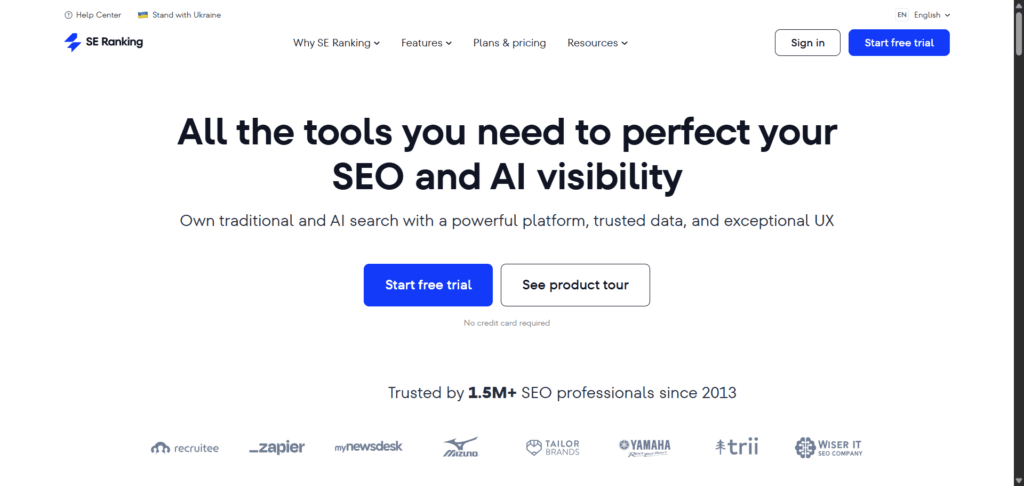
SE Ranking is one of the first tools I recommend when someone tells me Semrush is too expensive or too complex.
I’ve used SE Ranking on and off for a few years now, and it’s a solid all-in-one SEO tool that offers nearly everything Semrush does, but at a much more reasonable price.
If you’re focused on core SEO tasks like keyword tracking, on-page SEO, site audits, and backlink monitoring, SE Ranking can handle all of that.
It also includes tools for competitor analysis, keyword suggestions, and even a marketing plan checklist, which is helpful if you’re still figuring out your overall strategy.
One thing I like about SE Ranking is how customizable the pricing is. You don’t have to pay a fixed monthly fee for features you won’t use.
Instead, you can choose how often you want to check your keyword rankings (daily, every 3 days, or weekly), how many keywords you want to track, and how many projects you plan to run.
That flexibility makes it much more affordable for bloggers, freelancers, and small teams.
The dashboard is clean, and while it’s not as flashy as Semrush, it’s easier to navigate, especially if you’re not an advanced user.
For example, the Rank Tracker gives you a quick look at your keyword positions over time, broken down by device and location. You can also compare your rankings to competitors without jumping through hoops.
The Website Audit tool scans for technical SEO issues and shows clear explanations for how to fix them. I’ve used it to clean up crawl errors, improve page speed, and fix missing tags, all without needing an SEO professional.
The Backlink Checker isn’t quite as deep as what you’d get with Ahrefs or Semrush, but it’s accurate enough for most users.
You’ll see new and lost backlinks, referring domains, anchor texts, and a basic link toxicity score. It’s more than enough to monitor your link-building efforts or spy on your competitors’ backlinks.
If you manage local SEO, SE Ranking also offers local marketing tools, including Google Maps tracking and local directory monitoring, which are useful for businesses that depend on local traffic.
One feature worth mentioning is the Content Marketing Tool, which helps you build SEO content outlines based on your target keyword.
It pulls in top-ranking pages, suggested terms, and content structure. It’s not as advanced as Surfer SEO, but it gets the job done if you’re looking for an all-in-one solution.
SE Ranking Pricing
You can try SE Ranking for free (14-day trial, no credit card), and after that, pricing starts at $65/month for the Essential plan on a monthly subscription. Pro plan costs $119, while the Business plan costs $259 monthly.
Each plan offers tiered access to the core features, a number of user seats, projects, and tracked keywords. If you want to test SE Ranking for 3 months, you can subscribe to the Solo plan for a one-time payment of $65.
That’s less than half the cost of a Semrush one-month subscription.
If you’re a freelancer, a blogger, or a small agency looking for a reliable, cost-effective tool that covers all your basic SEO needs, SE Ranking is a strong choice.
It doesn’t try to do too much, and that’s exactly why I keep coming back to it when I want something that just works.
2. SEO PowerSuite – Best for Desktop-Based SEO Tools Without Recurring Fees
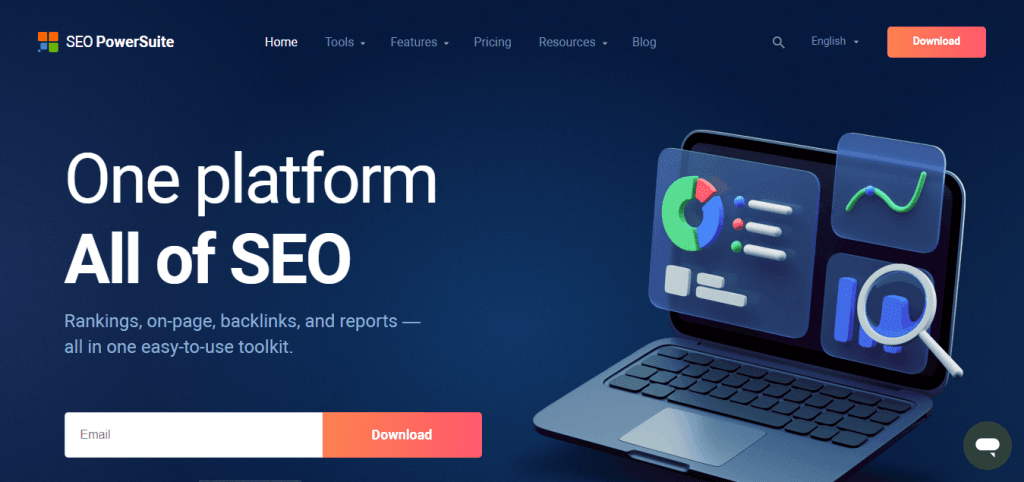
SEO PowerSuite is quite different from most cloud-based SEO platforms, such as Semrush, Ahrefs, or SE Ranking. It’s a desktop software bundle that you download and install on your computer (Windows, Mac, or Linux).
The tools are powerful and cover most of what you need for technical SEO, backlink analysis, keyword research, and rank tracking.
I’ve used SEO PowerSuite and still use it to date, and one of the things I liked most is that it is a yearly subscription, not monthly like other tools.
There’s a free version with limited features, but the complete package offers great value if you’re on a tight budget and don’t mind working from your own machine.
Here’s a quick overview of the four tools included:
One of the biggest differences between SEO PowerSuite and something like Semrush is that it runs locally. That means your computer’s hardware, internet speed, and storage space affect how fast the tools work.
It also means you’re not limited by the cloud-based quotas many SaaS SEO tools impose.
If you’re managing a lot of sites or need to generate branded white-label reports for clients, the Enterprise versions of SEO PowerSuite make that easy. You can export data, track history, and automatically send custom reports.
Now, it’s not perfect. Since it runs locally, large audits can take time and require significant processing power. And because it’s not cloud-based, you don’t get instant access from multiple devices or team collaboration like you would in Semrush or SE Ranking.
Although it offers cloud storage features, allowing you to download your project and work from any device, it’s not as convenient or gives instant access as most cloud-based SEO tools.
But if you’re an agency owner, freelancer, or DIY SEO user who prefers a yearly cost with full-featured tools, SEO PowerSuite can save you a lot of money in the long run.
You get most of the core functionality needed for day-to-day SEO, just without the monthly subscription fees that stack up. You can read my reviews of SEO Powersuite to learn more.
SEO Powersuite Pricing.
SEO Powersuite has a forever-free plan with limited access to its core features.
For the paid plan, you can subscribe to either the Professional or the Enterprise edition. There’s a multi-year licensing option (up to 3 years) that offers up to 34% savings.

The Professional license costs $399 per year, while the Enterprise license costs $599 per year. Both offer unlimited access to the keyword research tool, backlink analysis, website audit, project management, rankings, and competitor analysis.
The main difference is in the branding and reporting features.
With an Enterprise license, you can send branded SEO reports, save reports in PDF or HTML, schedule or send automatic reports, export data in CSV, HTML, SQL, and get priority support.
3. Ahrefs – The Best Alternative for Backlink and Competitor Analysis
Ahrefs has been around almost as long as Semrush, and in many ways it’s just as powerful, if not more so, especially for backlink analysis and competitor research.
If you’re serious about building links, studying your competitors, or analyzing top-performing content, Ahrefs is one of the best tools out there.
What sets Ahrefs apart is its massive backlink index (35T). It crawls the web constantly and updates its data frequently, so you get a near real-time view of any website’s link profile.
You can plug in any domain and instantly see the number of referring domains, new and lost links, anchor text distribution, and how strong those links are based on Ahrefs’ own metric – Domain Rating (DR).
Ahrefs also has a very useful tool called Site Explorer, which lets you look into your competitors’ websites and understand what’s driving their organic traffic.
You can break it down by top pages, keyword positions, backlink sources, and even check which content is generating the most shares or links.
You can use this to reverse-engineer competitors’ traffic strategies and uncover keyword opportunities you might’ve missed otherwise.
The Keyword Explorer tool inside Ahrefs is another standout. It pulls keyword ideas from multiple sources like Google, YouTube, Bing, and Amazon.
You get detailed keyword difficulty scores, search volume, clicks per search, and the parent topic, which helps you group keywords under broader content themes.
This is especially helpful when you’re planning blog topics or optimizing for semantic search.
One feature I use often is Content Gap. This tool shows you keywords your competitors rank for that you don’t.
If you want to catch up or build content that fills those gaps, this tool gives you the roadmap. It’s one of the easiest ways to find relevant keyword ideas backed by actual search data.
Ahrefs also includes Site Audit, which scans your site for technical SEO issues such as broken links, redirect chains, slow pages, and missing meta tags.
It’s not as beginner-friendly as SE Ranking or SEO Powersuite when it comes to explaining what each issue means, but if you already know a bit about technical SEO, the data it provides is reliable and detailed.
Ahrefs Pricing
Where Ahrefs falls short is pricing. They no longer offer the 7-day free trial, and the lowest plan (Lite) now starts at $129/month. That makes it a tough sell for beginners or bloggers on a tight budget.
Ahrefs does have a free Webmaster Tools plan, but it’s limited to auditing and checking your own site’s backlinks, not competitor analysis or keyword research.
Still, if your main goal is to build a strong backlink profile or spy on what’s working for other sites in your niche, Ahrefs is hard to beat.
Agencies, SEOs, and advanced users will get the most value here, but even solo creators doing heavy outreach campaigns will find it worth the investment.
4. Ubersuggest – A Budget-Friendly Tool for Beginners and Content Creators
Ubersuggest is one of the most affordable SEO tools out there, and that’s exactly why many bloggers and small business owners start with it.
It was built by Neil Patel and his team (actually, he bought it in 2017 and rebuilt everything), with a focus on keeping things simple, especially for beginners who don’t want to get lost in a maze of data and dashboards.
If your SEO workflow revolves around keyword research, basic site audits, tracking a few rankings, and writing SEO-friendly blog posts, Ubersuggest gives you enough to get started.
It’s not as deep as Semrush or SEOPowersuite, but it covers the essentials in an easy-to-understand way.
The Keyword Overview section is where most people begin. You just enter a keyword, and Ubersuggest shows you search volume, SEO difficulty, paid difficulty, and estimated cost per click (CPC).
It also pulls in related keyword ideas and content suggestions, so you can see what types of blog posts are already ranking for that term.
There’s also a Content Ideas tool that shows you which articles are performing well on social media and getting backlinks. It’s a good way to gauge which topics or headlines are working in your niche.
While the backlink data isn’t as comprehensive as Semrush, it still gives you enough direction to know which posts are worth studying.
The Site Audit tool scans your website for technical SEO issues, such as missing meta descriptions, slow-loading pages, and low word count.
Ubersuggest simplifies the audit results into an easy-to-read SEO health score, which is useful if you’re not ready to dig into technical details. It also gives clear tips on how to fix each issue.
Ubersuggest also has a Rank Tracking feature that lets you monitor a limited number of keywords and see how they rank over time.
It’s not as customizable or detailed as SE Ranking or Semrush, but it’s enough to track your most important keywords without feeling overwhelmed.
Ubersuggest pricing
One unique thing about Ubersuggest is its pricing model. You can pay monthly or buy a lifetime deal with a one-time payment.
That’s rare among SEO tools, making it a smart choice if you don’t want ongoing subscriptions.
The lifetime deal costs $120 (Individual), $200 (Business), and $400 (Agency plan), which is a steal compared to what Semrush or Ahrefs charge per month.
There’s also a free plan, though it includes daily limits on keyword searches, rank tracking, and site audits. If you’re just testing things out or only need basic data once in a while, this might be enough for you.
Overall, Ubersuggest is best for beginners, solopreneurs, and content marketers who don’t need advanced features but want a reliable tool that helps them stay focused.
It won’t replace Semrush if you’re running a full-service SEO agency, but if your main goal is to grow a blog or drive more traffic to a small business website, it’s a strong starting point.
5. Mangools (KWFinder) – A Simple and Visual Tool for Keyword Research

If you want something that’s easy to use but still powerful enough to help you find low-competition keywords, Mangools, especially its KWFinder tool, is worth checking out.
It is a good SEO tool for beginner bloggers and niche site builders who want something more intuitive than Semrush, yet still reliable for keyword research and SEO analysis.
Mangools is actually a bundle of five tools:
The standout here is KWFinder. It has one of the cleanest and easiest interfaces I’ve seen in an SEO tool.

You can enter a seed keyword and instantly get hundreds of related keywords with search volume, keyword difficulty, and CPC.
What makes it beginner-friendly is that the difficulty score is color-coded – green for easy, orange for medium, red for hard. That alone helps you make quicker decisions without second-guessing.
What I like about KWFinder is how it combines keyword ideas with actual SERP analysis. You can click on a keyword and immediately see the top-ranking pages, along with their Domain Authority (DA), backlink count, and estimated traffic.
This makes it easier to judge whether or not you have a chance to rank, especially if you’re targeting low-competition topics.
The SERPWatcher tool tracks your keyword positions over time.
It gives you a simple timeline view showing how your rankings are changing and even calculates a “dominance index” that measures your overall search visibility.
It’s a nice way to monitor growth, even if you’re just tracking a handful of keywords.
The LinkMiner tool isn’t as deep as what you’ll find in Ahrefs, but it still gives you useful insights into backlink profiles – new and lost links, anchor text, dofollow/nofollow ratio, and more.
I wouldn’t use it for large-scale link audits, but for checking competitor backlinks or getting link ideas, it works well.
Mangools also includes SiteProfiler, which provides basic domain metrics such as DA, citation flow, trust flow, and top content.
It’s helpful if you’re doing quick checks on competitors or trying to qualify sites for guest posting or backlink outreach.
Mangool Pricing
The month-to-month subscription starts at $24.50 (Basic plan), but if you pay annually, you save 35% of the cost, which is very reasonable for everything you get.
If you need an additional seat, you should subscribe to the Mangools Premium ($34.50/month) or Agency plan ($64.50/month).
There’s also a free trial with no credit card required, so you can test all the tools without committing.
Mangools is ideal for bloggers, content marketers, affiliate site owners, and anyone who focuses mostly on keyword research and content planning.
It doesn’t try to be a full enterprise solution like Semrush. Instead, it gives you the core features that matter most, and it makes them easy to understand.
If your main goal is to find good keywords and track how your posts perform, Mangools is one of the most user-friendly options out there.
6. Moz Pro – A Trusted Name with a Strong Focus on Authority and On-Page SEO
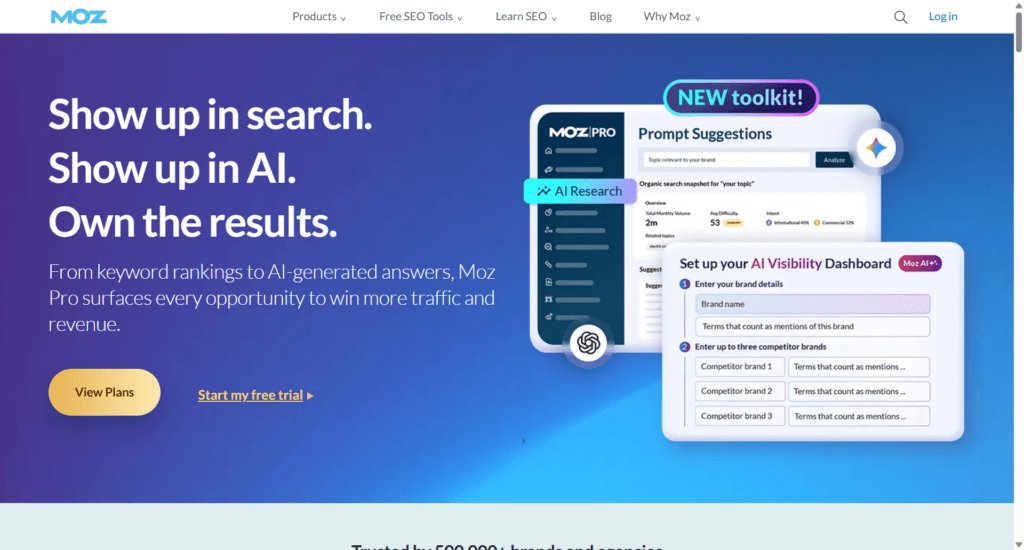
Moz Pro has been a big name in the SEO world for years. It’s especially popular among marketers and agencies who focus heavily on domain analysis, on-page SEO, and link building.
While it’s not as feature-packed as Semrush or Ahrefs, it has a clean interface, a loyal user base, and some unique strengths that make it a solid alternative, especially if you’re interested in improving your site’s credibility and content quality.
One thing Moz is well-known for is its proprietary metrics, such as Domain Authority (DA) and Page Authority (PA).
These scores estimate how likely a website or page is to rank in search results. Even if you don’t use Moz, you’ve probably seen these numbers used in link building and outreach.
Many SEOs rely on DA to qualify potential backlink opportunities, and Moz Pro gives you full access to that data across every tool.
The Keyword Explorer inside Moz Pro is one of the cleaner keyword tools in the market.
You can enter a keyword and instantly get monthly search volume, keyword difficulty, organic CTR, and a “priority” score, which is Moz’s way of helping you pick the best opportunities based on all the data combined.
It also offers SERP analysis and keyword suggestions to help you build out a content plan.
For on-page SEO, Moz includes a Page Optimization feature that lets you check how well a page is optimized for a specific keyword.
It’ll tell you where you’re doing well and where you need to improve, things like missing keywords in titles, low word count, or poor internal linking.
This kind of guidance is helpful when you’re updating existing blog posts or trying to improve rankings for older pages.
Moz Pro also has a Site Crawl tool that identifies technical issues on your site, including broken links, duplicate content, redirect chains, and more.
While it’s not as advanced as Screaming Frog or Semrush’s site audit tools, it’s good enough for most bloggers and small businesses.
It gives plain-English explanations for what’s wrong and how to fix it, which is great if you don’t have a technical background.
The Link Explorer tool gives Moz a slight edge in outreach and backlink research. While it doesn’t have the largest link index (Ahrefs still leads in that area), Moz’s data is trustworthy.
You can track your backlink profile, view lost or new links, and explore competitors’ links to find link-building opportunities.
Moz Pro Pricing
Moz Pro starts at $49/month for the Starter plan, which includes 1 user account, 1 tracked website, tracking keywords in the AI overview, and 50 tracked keywords monthly.
If you need more access, consider other higher-tier plans starting from $99 to $299 per month for larger sites. Moz Pro offers 20% when you pay annually.
There’s no true free version; however, you have limited access through a free Moz account, which lets you run a few searches per day and check DA scores.
For someone just starting out or looking to test the waters, that free account can be a nice way to explore what Moz offers.
If you care about domain authority, want simple keyword and on-page SEO tools, and don’t need an overwhelming dashboard full of features, Moz Pro might be a good fit.
It’s especially useful for marketers who focus on content, links, and long-term authority-building, rather than just chasing rankings.
7. SpyFu – Best for Competitor Insights and PPC Keyword Research
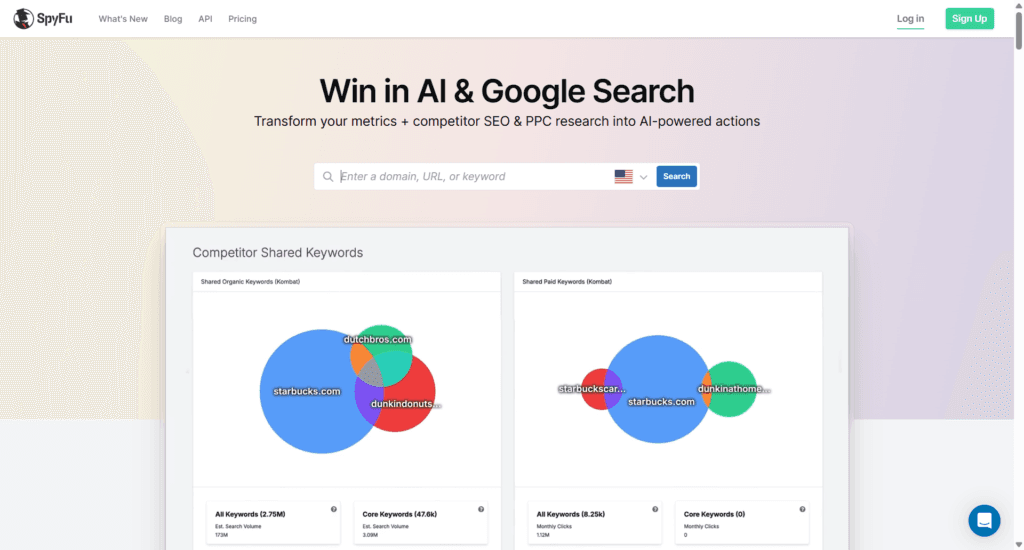
SpyFu is a tool that lets you understand what your competitors are doing, both in organic search and paid ads.
It doesn’t have the advanced tools of Semrush or Ahrefs in terms of feature depth, but it does one thing really well: uncovering competitors’ strategies.
The tool focuses heavily on competitive intelligence. You can plug in a competitor’s domain and get a detailed history of their top keywords, ranking changes, ad copy, backlinks, and even how much they’re spending on Google Ads.
This kind of transparency makes it easier to identify gaps in your own strategy and to see what’s already working for others in your niche.
For example, if you enter a domain into SpyFu’s SEO Research tab, you’ll see every keyword they rank for, how many clicks those keywords drive, and which pages are pulling the most traffic.

It even estimates their monthly organic traffic, though I’ve found this number to be a little off sometimes; still, the direction is useful.
The Kombat Tool is one of my favorites. It shows you keywords that multiple competitors rank for, but you don’t.
This kind of content gap analysis helps you find clear opportunities to create new pages or optimize existing content. It’s a fast way to build a content plan backed by real data.
SpyFu also includes a Keyword Research tool with search volume, keyword difficulty, and related terms.
But what sets it apart is its integration with Google Ads data. You can see which keywords your competitors are bidding on, what their ad copy looks like, and how long they’ve been running specific ads.
If you’re doing PPC or planning to run Google Ads alongside your SEO efforts, this insight is incredibly valuable.
For backlinks, SpyFu shows you where competitors are getting their links and lets you filter by source type (blogs, directories, forums, etc.).
While it doesn’t have as many fresh links as Ahrefs, it’s useful for planning outreach or seeing where your niche’s authority sites are linking.
One thing I appreciate about SpyFu is that there are no search limits on any paid plan. That’s rare in the SEO space.
You can run unlimited domain lookups, keyword research, and competitor checks without getting throttled.
SpyFu Pricing
SpyFu offers two plans: Basic ($39/month) and Professional ($79/month), both of which include full access to SEO and PPC data.
You can get a lifetime discount on SpyFu if you try their new RivalFlow AI tool. This is a content optimization tool similar to SurferSEO.
There’s no SpyFu free trial per se, but there’s a 30-day money-back guarantee, so you can test it risk-free.
SpyFu works best for marketers who want to analyze competitors, uncover ranking and ad opportunities, and plan keyword strategy based on what’s already proven to work.
It’s not a complete technical SEO suite, but if you’re mostly focused on organic growth and paid ads, this tool can give you a serious edge.
8. Surfer SEO – Best for Content Optimization and On-Page SEO
Surfer SEO is very different from Semrush. It doesn’t try to be an all-in-one SEO tool. Instead, it focuses entirely on content optimization, making it a great pick if you write blog posts, landing pages, or product descriptions and want to rank higher on Google without guessing what to include.
If you’ve ever wondered whether your content has enough keywords, is structured properly, or is missing important terms, Surfer gives you that feedback in real time.
I use it regularly when writing or updating blog content, especially when I’m targeting competitive keywords. You can read my SurferSEO review to learn how it can help you rank better.
The core feature is the Content Editor. You type in your target keyword, and SurferSEO analyzes the top-ranking pages for that term. Then it gives you an outline of suggested words, phrases, and structure based on what’s working in the current search results.
As you write, it scores your content in real time from 0 to 100, focusing on content length, headings, keyword usage, and natural language terms.

This isn’t about stuffing keywords. SurferSEO helps you include the right keywords in the right places. It uses natural language processing (NLP) to identify semantically related terms that Google expects to see in well-written, in-depth content.
So instead of writing guesswork-based articles, you’re aligning your content with real data from current search results.
Surfer also includes a SERP Analyzer, which gives you a deeper look at the pages that rank for your target keyword. You can see metrics such as average word count, page speed, keyword density, and backlink count.
If you’re trying to figure out why your page isn’t ranking, this tool gives you the data to compare your content side-by-side with competitors.
Another useful feature is the Topical Map, which helps you build content strategies and plan your site structure or topic silos. This is helpful for planning a blog or building topical authority around a subject.
You get content suggestions based on your main topic, so you can target related keywords without creating duplicate or overlapping content.
Surfer doesn’t offer tools for backlink tracking or full-site audits, unlike Semrush. So it’s not a replacement for everything.
But if your focus is writing content that ranks, SurferSEO is one of the best data-driven tools, better than Semrush, for content optimization
SurferSEO Pricing
Now, SurferSEO isn’t cheap; the Essential plan costs $99, and the Scale plan costs $219 on a month-to-month basis. An annual subscription saves you up to $520.
If you do a lot of writing or manage a content team, Surfer’s Scale plans offer up to 5X limits over the Essential plan, and you get priority support.
Surfer works best for content marketers, bloggers, affiliate site owners, and anyone focused on improving on-page SEO.
If you’re using a keyword tool like Ubersuggest or SE Ranking to find keywords, you can pair that with Surfer to optimize your content for those terms, and hit publish knowing you’ve covered what matters.
9. Serpstat – Affordable All-in-One SEO Platform for Teams and SMBs
Serpstat is an all-in-one SEO toolset similar to Semrush that covers keyword research, rank tracking, backlink analysis, site audit, and competitor research.
It may not be a popular SEO tool, but it offers solid features at a more affordable price than Semrush, especially for teams and small businesses.
What makes Serpstat appealing is its balance between functionality and cost. You get access to a broad range of tools that are useful for both organic SEO and PPC analysis, without having to pay enterprise-level pricing.
It’s built for marketers, agencies, and SEO professionals who want a reliable toolset without going over budget.
Here’s a breakdown of what you can do with Serpstat:
One standout feature is Serpstat’s team management system. You can assign roles, collaborate across projects, and track changes made by your team members.
If you’re working with others, this makes managing SEO projects easier without the need for a third-party tool.
Serpstat also supports API access, custom reports, and white-label options, which makes it a smart choice for agencies that need client deliverables.
However, it does come with some tradeoffs. The UI feels a bit outdated compared to tools like SE Ranking or Semrush.
And while the backlink and keyword databases are solid, they’re not quite as extensive or fast as some of the bigger players.
Still, if you’re a budget-conscious marketer, a growing agency, or a content strategist who needs most SEO features in one place, Serpstat is worth trying. It hits a sweet spot between affordability, functionality, and scalability.
Serpstat Pricing
Serpstat offers three standard plans – Individual, Team, and Agency – $69, $129, and $499, respectively. You save 20% off this price if you subscribe to an annual billing cycle.
There’s a 7-day free trial of the Individual or Team plan. This allows you to test core features without financial commitment.
If you’re looking for a Semrush alternative that offers broad coverage, room to grow, and flexibility in how you work, Serpstat is a strong option.
It’s especially good for people who want solid data without paying top-tier prices every month.
10. Screaming Frog – The Best SEO Crawler for Technical Audits

Screaming Frog SEO Spider is a desktop-based website crawler built specifically for technical SEO analysis.
It’s not an all-in-one SEO tool like Semrush, but if you’re serious about on-site optimization, website structure, and technical SEO health, then this tool is a must-have.
Unlike cloud-based tools that offer dashboards and simplified metrics, Screaming Frog dives deep into how your site is built and how search engines crawl it.
You install it on your computer, enter your website URL, and it crawls every page, just like Googlebot would. Then it gives you a detailed view of everything it finds, including issues you probably didn’t realize existed.
Here’s what it does well:
You can scan your site for broken links, redirect chains, duplicate content, missing meta descriptions, inconsistent heading tags, large images, non-indexable pages, and more.
All of this information is organized into sortable columns, so you can easily dig into each problem.
For example, if you’re wondering why a page isn’t ranking, Screaming Frog can tell you if it has a missing canonical tag or a noindex directive.
The tool also lets you generate XML sitemaps, audit hreflang tags for international SEO, extract custom data using XPath or regex, and integrate with Google Analytics, Search Console, and PageSpeed Insights to layer additional data onto your crawl results.
One of its biggest strengths is the level of control you get. You can set crawl limits, exclude specific folders, or create rules to only scan certain URL patterns.
This makes it ideal for large websites, e-commerce stores, or anyone with complex site architecture.
Another key benefit is speed. Screaming Frog is fast. It can crawl tens of thousands of pages in minutes, depending on your system specs. That’s much faster than many cloud SEO tools, which often have crawl queues and wait times.
Now, what it doesn’t do: it doesn’t provide keyword research, competitor tracking, or backlink monitoring. It’s not built for that.
Screaming Frog is all about technical SEO.
So you’ll likely need to pair it with another tool like SEO Powersuite, SE Ranking, or Serpstat if you want to cover every SEO angle.
Screaming Frog Pricing
Screaming Frog operates on a per-user license price. This means you purchase a license based on the number of user accounts, and the more users, the lower the price.
1 to 4 licenses cost $279 per license annually; 5 to 9 licenses cost $265 per license annually; 10 to 19 licenses cost $249; and 20+ licenses cost $235 per license.
There is a free version, but it’s limited to 500 URLs and basic site audits, such as robots.txt directives, broken links, redirection, and generating XML sitemaps.
For full functionality, including JavaScript rendering, scheduling, integrations, and custom extraction, you’ll need the paid license, which remains affordable given what it offers.
If you’re an SEO consultant, site manager, developer, or just someone who wants to get under the hood of your website and fix real structural issues, Screaming Frog is hands down one of the best tools you can use.
11. Google Search Console – A Must-Have Free SEO Tool from Google
Google Search Console (GSC) isn’t exactly a Semrush replacement, but it’s one of the most essential SEO tools you should be using, no matter what level you’re at.
And the best part? It’s 100% free.
If you’re doing SEO without connecting your site to GSC, you’re flying blind.
This tool gives you direct insights from Google about how your website performs in search.
While Semrush provides estimates based on third-party data, GSC shows real search queries, actual impressions, clicks, and average position, straight from Google’s own search index.
One of the most useful features is the Performance report. This is where you’ll see what keywords (queries) your pages are showing up for, how many clicks, and where you rank.
You can filter by page, country, device, and date. This helps you figure out which content is bringing in traffic, what’s underperforming, and where there’s room to improve your CTR.

Another key feature is the Indexing report. It shows how many pages Google has indexed, which ones are excluded (and why), and which ones have crawl or indexing issues.
If a page is stuck in “Discovered – currently not indexed” or “Crawled – not indexed,” GSC tells you so you can take action.

It also alerts you to site enhancement issues, core web vitals problems, manual penalties, and security warnings- stuff that can directly affect your rankings if ignored.
These are things Semrush tries to detect through audits, but GSC is where you can get them confirmed directly from the source.
You can also submit individual URLs for reindexing, especially after making changes to a post or page. This helps speed up the process of getting your updates reflected in Google search results.
Another underrated use of GSC is URL inspection. You can inspect any page and see if it’s indexed, when it was last crawled, how Googlebot sees it, and whether it’s eligible for rich results.
If you’re working on schema or structured data, this can be a huge help.
However, GSC doesn’t do keyword research, backlink analysis, or competitor tracking. It doesn’t suggest keywords or generate content ideas.
But for technical accuracy and tracking your SEO performance over time, there’s no better free tool.
To get the most out of it, pair GSC with something like Google Analytics and a keyword tool like SE Ranking, Rank Tracker from SEO Powersuite, or Ubersuggest.
That way, you get the whole picture, from what people are searching to how they engage with your site and where your opportunities lie.
If you’re running a blog, ecommerce store, agency site, or any kind of online business, make sure GSC is part of your SEO stack. It’s not just helpful, it’s necessary.
Conclusion
If you’ve been using Semrush or thinking about it but find it too expensive or too advanced for your current needs, the good news is you have plenty of cheaper alternatives.
Tools like SE Ranking and Ubersuggest are great for bloggers, freelancers, and small business owners who want essential SEO features without the high cost.
If you’re more technical and want deeper site data, SEO PowerSuite and Screaming Frog offer powerful auditing tools at a low yearly price.
For those running agencies or managing multiple sites, Ahrefs and Serpstat strike a good balance between scalability, depth, and usability.
There’s no one-size-fits-all tool. What works best for you depends on your goals, budget, and how hands-on you want to be with SEO.
I’ve tested all these tools, and they each offer something valuable.
Whether you’re tracking keyword rankings, doing backlink analysis, or just starting with on-page SEO, you don’t have to rely solely on Semrush to get results.
Start with what fits your workflow and grow from there. You can always upgrade later as your needs expand.
SEO is a long game, and the right tools should support you at every step, not overwhelm or drain your budget.