

If you want to build an online community to grow or support your business, one thing is clear: the tool you choose shapes what your community becomes.
Pick a platform used mainly for short social posts, and you’ll get short interactions. Choose one built for events, and members will attend scheduled calls.
My goal here is to help you choose the best online community platforms that suit what you want to create. Whether that’s a paid membership around your courses, a lively chat-driven group, or a polished, branded hub where people learn and hang out.
This article explains the key features that matter most for online communities, guides you through the platforms I recommend, and provides practical advice to help you match your needs with the right tool.
I’ll include examples from real-world use cases so you can visualize how each platform behaves in practice.
What to look for in an online community-building platform
Before you choose a platform to build your community, decide what you’ll ask members to do. Will they attend weekly live events, post questions, take courses, or buy subscription-based access?
That single decision will narrow your options faster than anything else.
Ease of use matters more than you think. Build your community on a platform that makes it easier for members to register and use, without requiring them to go through hoops.
Also, look for an onboarding process that lets you create spaces or groups, set user and administrator roles, and invite members without requiring a code.
Customization is next. You want enough control to add your logo, colors, layouts, and a feeling that the space is yours.
Branded apps, custom domains, and white-label options are beneficial when you require a polished, standalone product that distinguishes you from the competition. This makes your community platform feel like it’s yours, and not something in a rented or restricted space.
Community features are the core. Forums, threaded discussions, private groups, chat channels, voice or video rooms, events, polls, and Q&A all support different types of interaction.
If you plan to sell courses or run cohorts, verify that they include essential features such as course content, progress tracking, quizzes, and cohort tools.
If monetization is important to you, verify that the platform integrates with Stripe, PayPal, or other membership payment options and supports both subscription billing and one-time purchases.
Think about growth and cost together. Some platforms are affordable for small groups but become more expensive as the group grows or as additional features like analytics or custom domains are added.
Also, confirm whether the vendor charges transaction fees on membership payments or takes a cut. Some platforms don’t charge platform fees in addition to the standard processing fees charged by Stripe, PayPal, and other payment gateways.
Don’t ignore analytics and moderation tools. You’ll want metrics like active members, engagement rate, DAU/MAU, retention, and churn.
Moderation features (content approval, moderation queues, role-based permissions) save hours as your group scales.
Mobile responsiveness is also important. A poorly designed mobile app or non-responsive site kills activity, because most people engage on their phones. Therefore, it’s crucial that your chosen platform is mobile-friendly and provides community members with the same experience as the desktop version.
9 Platforms to Create an Online Community (Free & Paid)
I’ll walk you through the platforms I use or have tested, providing practical takeaways on what each one does best.
These platforms offer advanced features, beginner-friendly tools, and make creating your community as painless as possible. Some are free, while others require paid subscriptions or a free trial to get started.
The difference is that paid platforms offer more in terms of community features, flexibility, tools, and even how you interact with members, or monetization methods.
If you want more control over how you build, manage, and run your business, a paid platform is the right choice. It gives you more room to explore your marketing strategies without being restricted by platform rules.
With that clear, let’s begin.
1. Mighty Networks
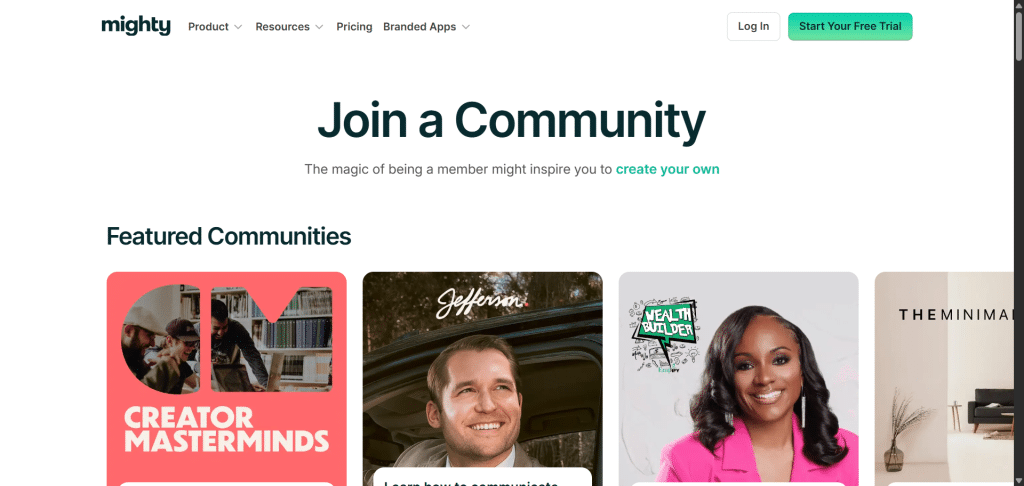
Mighty Networks is designed for individuals and businesses who want to consolidate their community, courses, and memberships into a single platform.
It’s not just about discussions; it’s about creating a comprehensive ecosystem where members can learn, interact, and pay for access all within the platform. This makes it especially appealing for coaches, educators, and entrepreneurs who want a branded experience.
The platform supports community spaces, online courses, live streaming, and events. You can create free or paid memberships and structure your offerings around tiers.
What sets Mighty Networks apart is its mobile app, which lets members stay engaged on the go. This helps you maintain activity without relying on email reminders or external tools.
For businesses or creators looking to scale, Mighty Networks offers analytics, monetization tools, and the ability to bundle courses with community access.
It’s best suited for individuals and creators who want more than just conversation threads; they aim to establish a comprehensive learning or membership hub under their brand.
One thing to watch out for is Mighty Networks’ pricing. It can be expensive for small business owners or for those just getting started with building a community on a paid platform.
Aside from this, the platform is one of the best choices to build an online community. You can take the 2-week (14-day) free trial to see how the platform works and whether it’s a good fit for you.
Pros:
Cons:
2. Thinkific
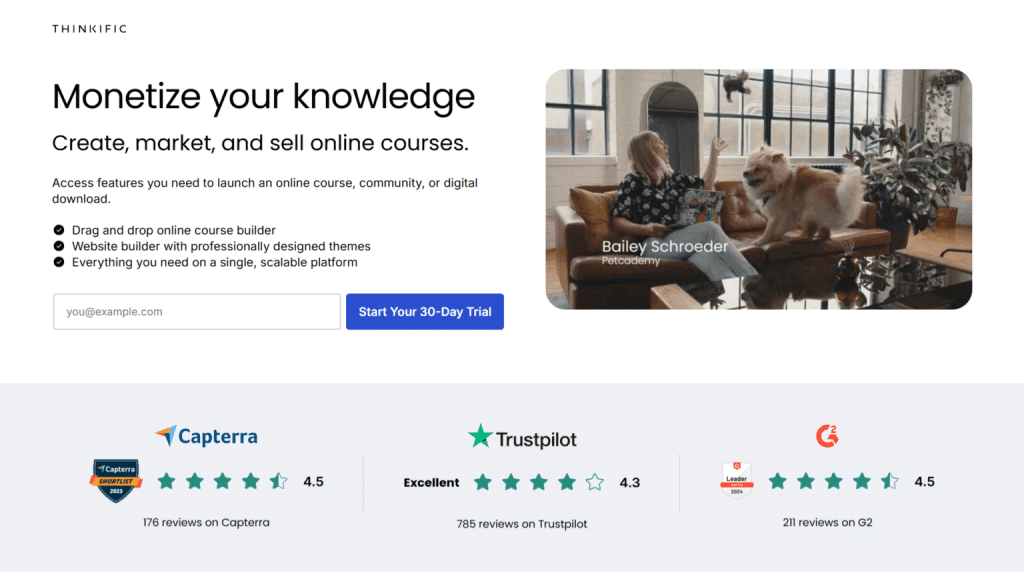
Thinkific is best known as an online course platform, but its community features have grown to make it a solid option for building a learning-focused community.
If your primary goal is to teach, sell courses, and keep students engaged, Thinkific provides the tools to do it all in one place. Communities can be created alongside courses, which means your students don’t just learn; they also interact and collaborate.
You can create discussion areas, groups, and spaces tied to specific courses or memberships. This works well if you want learners to support each other, share progress, or ask questions outside of the lessons.
For monetization, Thinkific supports selling both courses and community access, helping you diversify your revenue streams.
The strength of Thinkific lies in its ability to integrate community with structured learning. While it may not have as many casual interaction features as other platforms, it excels at keeping students engaged and connected to your teaching.
Another aspect of Thinkific worth mentioning here is the affordability. Thinkifc is more affordable than many of its competitors on this list.
The entry-level plan starts at just $36 monthly if you pay for a one-time 12-month billing plan. And you get community building and course features suitable for people just getting started.
Transaction fees are also waived if you use the Thinkific payment system, giving you more control and opportunity to take home 100% revenue from your business.
Pros:
Cons:
3. Bettermode (formerly Tribe)
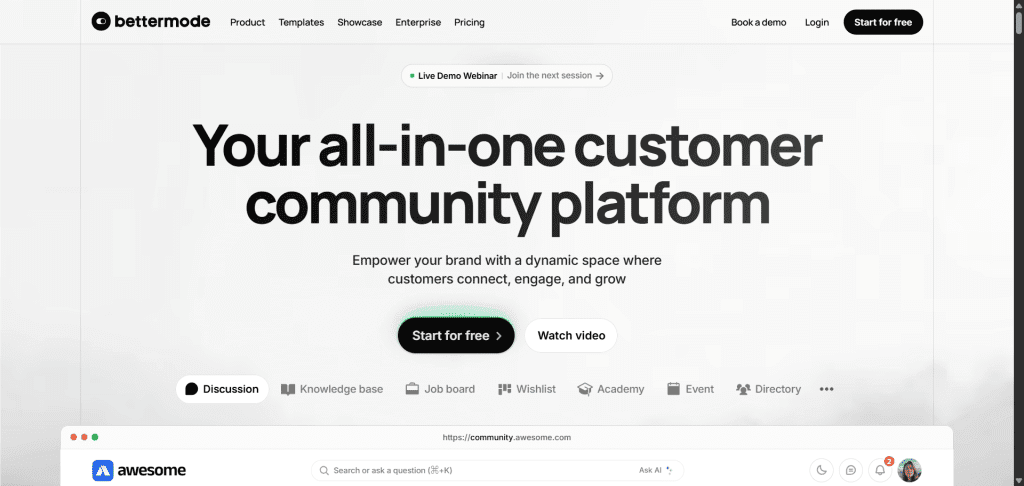
Bettermode is a modern community platform that gives businesses complete control over how they build and manage their online communities.
Unlike platforms that box you into preset layouts, Bettermode offers a highly customizable space where you can design the look and feel to match your brand.
You can create discussion areas, Q&A sections, and resource hubs all under one roof, making it easy for members to connect, share, and learn.
One of its strongest points is flexibility. Bettermode isn’t just about conversation threads; it integrates with your existing tools and workflows, so your community doesn’t sit in isolation.
Features like advanced analytics, member segmentation, and automation help you understand and grow engagement without relying on guesswork.
It also supports monetization through memberships or gated spaces, which works well if you’re running a customer community or membership site.
Bettermode is best suited for businesses looking for a branded, all-in-one community solution that surpasses basic forums.
If you want a space that looks and feels like an extension of your website rather than a third-party group, this is worth considering.
Pros:
Cons:
4. Circle
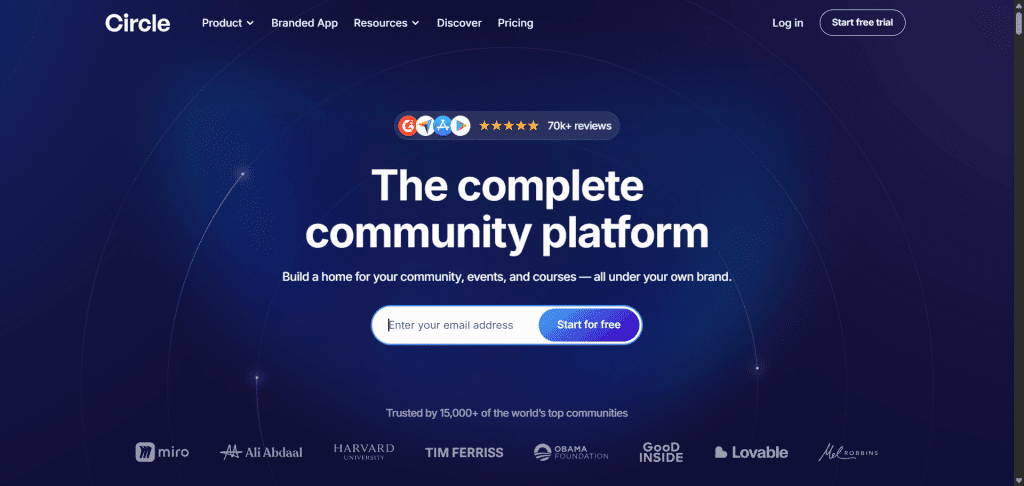
Circle has quickly become one of the most popular platforms for creators, educators, and small businesses seeking a clean, professional online community. It’s designed for simplicity, making it easy to set up and start inviting members.
The platform offers structured spaces for discussions, live streams, events, and courses, providing a versatile environment for interaction.
What makes Circle stand out is its polished feel.
The user experience is smooth on both desktop and mobile, which keeps members coming back. You can organize your community into spaces, such as topic-based groups, course cohorts, or membership tiers, without overwhelming your members.
It also offers strong integration with tools such as Zapier, payment systems, and email providers, making it easier to manage your community alongside your business.
For creators who sell memberships, Circle includes subscription and payment features, allowing you to turn your community into a revenue stream.
It’s best suited for those who want a professional-looking, easy-to-manage space that blends content, conversation, and monetization in one place.
However, Circle is ideal if you already have an established business but are only looking for a place to scale. Because, from my experience, Circle is not cheap.
The starting plan (Professional) is priced at $89 per month. This may be too high for a beginner marketer or for someone who’s not currently generating significant income from their online community.
I suggest weighing the cost against your needs before signing up.
Pros:
Cons:
5. TribeSocial
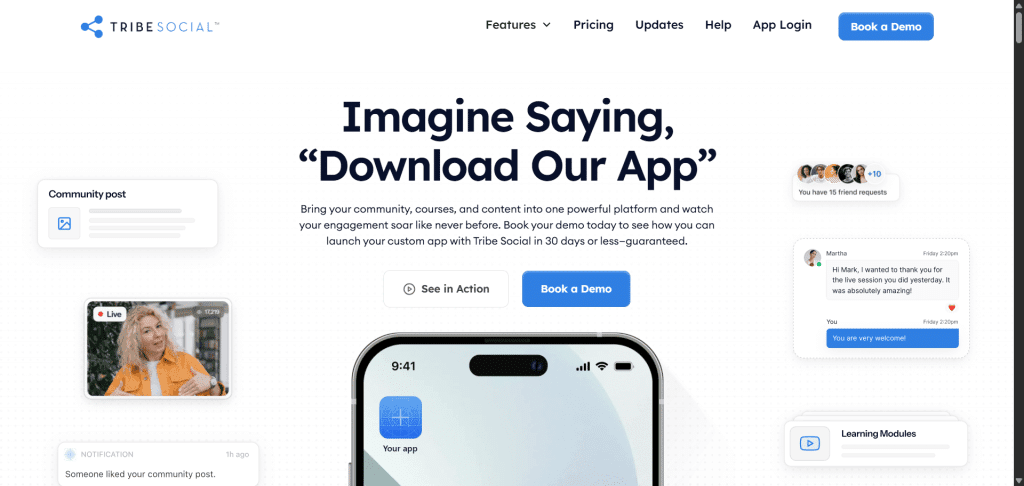
TribeSocial focuses on simplicity and fun when building communities. It emphasizes providing members with a space that feels more like a social gathering than a corporate forum.
The platform supports features like group chats, media sharing, and event organization, helping members connect in ways that feel natural.
A key benefit of TribeSocial is its ability to strike a balance between ease of use and community features. Members don’t need a learning curve; they can jump in and start engaging right away. The design is straightforward, allowing your community to feel lively without being complicated to manage.
For hosts, it provides tools to organize members into interest-based groups and run activities that keep people involved.
If you’re looking for a platform that feels casual and engaging rather than business-heavy, TribeSocial can be a strong option. It works especially well for lifestyle communities, social clubs, or hobby-focused groups where interaction is the main goal.
Pros:
Cons:
6. Kajabi
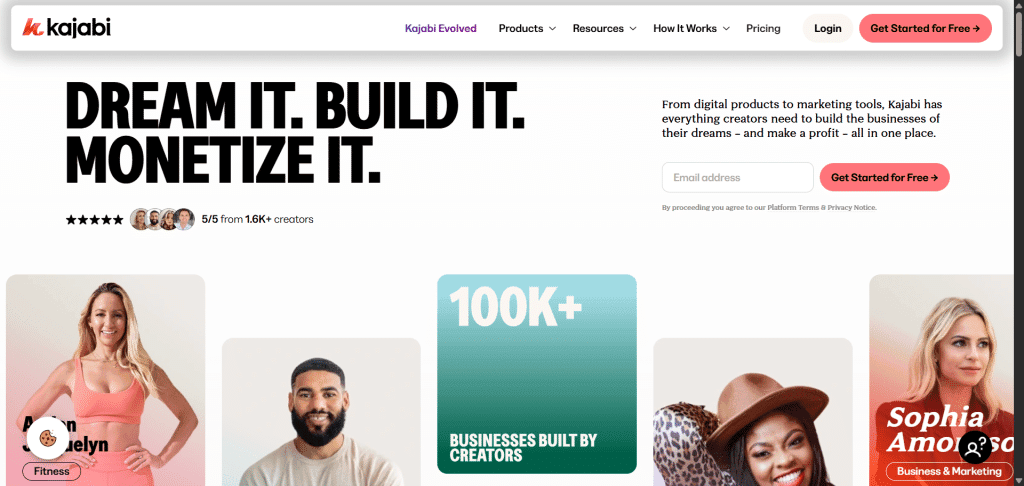
Kajabi is an all-in-one platform designed for knowledge entrepreneurs who want to package their expertise into courses, memberships, and communities. While Kajabi has long been known for its course and funnel features, its community tools have expanded to support real interaction among members.
The platform enables you to create communities where members can post updates, join conversations, and interact with your content.
Because it’s part of Kajabi’s full suite, your community connects directly with your courses, email marketing, and payment systems. This provides a central location to manage everything without requiring third-party tools.
Kajabi is best for creators who want a single system for their business. If you already plan to sell courses, coaching, or memberships, adding a community inside Kajabi makes it easier to keep everything under one roof.
While it may not be as flexible in design as standalone platforms, it’s a strong choice if you value convenience and integration.
Pros:
Cons:
7. Facebook Groups
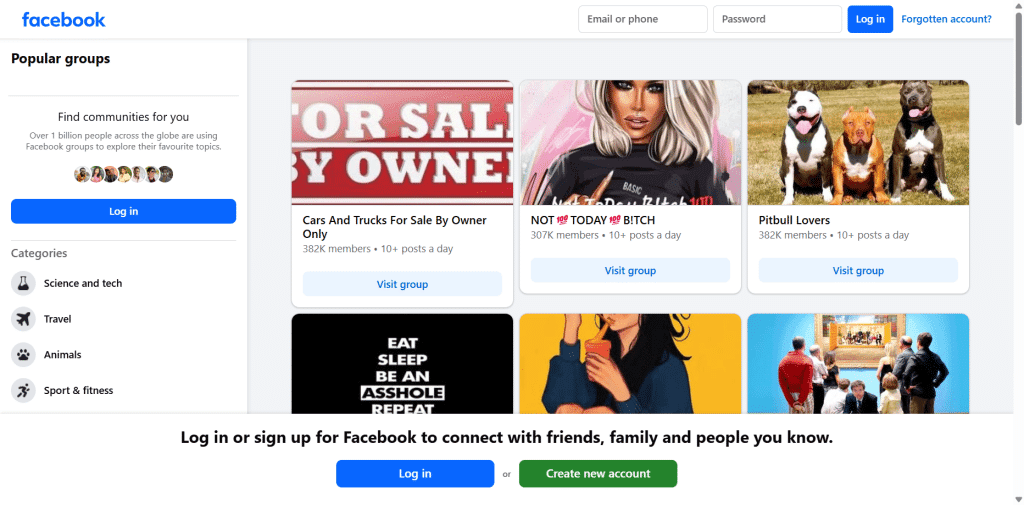
Facebook Groups are free and familiar, making them a quick option to get started.
For many creators and small brands, a Facebook Group is the quickest way to gather people, reach them with notifications, and leverage discovery inside Facebook. If you already have a Facebook audience, this is often the lowest-friction choice.
That convenience comes with limits. Branding is limited, member data lives with Facebook, and you don’t control user experience or algorithms.
If building a long-term membership business is your plan, Facebook is a good place to start; however, you should plan to move members to a platform you control once you have established steady revenue.
If you’re not planning to monetize your community or go beyond traditional members’ engagement, such as posts, comments, and shares, you might stick with Facebook groups.
Pros:
Cons:
8. Discord
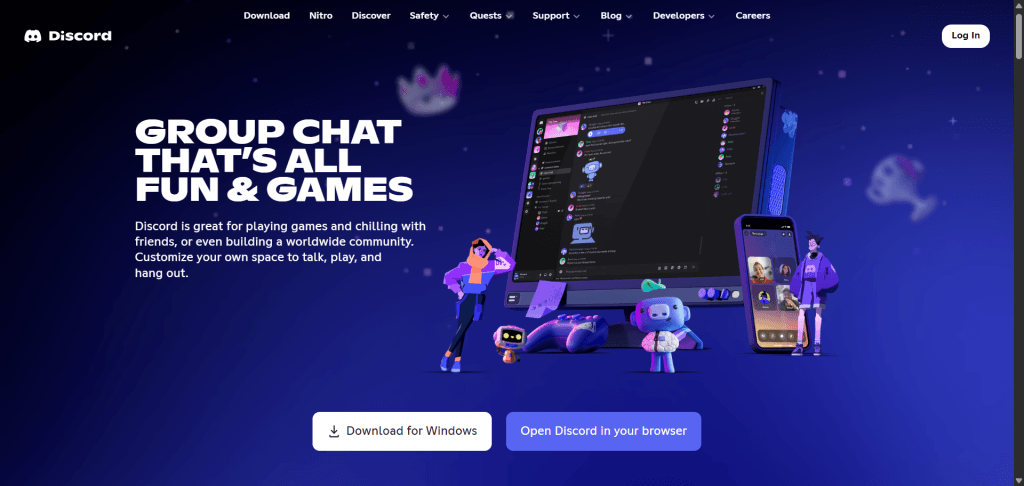
Discord is a chat-first, real-time platform featuring text and voice channels, as well as persistent threads. It started for gamers but now hosts communities across hobbies and professional groups.
Discord’s strength lies in its low friction for live voice chats, screen sharing, and fast back-and-forth chat.
If your community thrives on spontaneous, frequent interaction, such as watch parties, game nights, and study groups, Discord is a good option. You can highlight text inside voice channels with flexible voice features that keep conversations natural and engaging.
Discord’s downside is discoverability and brand control. It’s not ideal if you want a polished course experience or to sell memberships directly.
Moderation can be manual unless you add bots or third-party tools. I recommend Discord to creators who want lively, informal engagement and don’t need advanced course tools, community-driven features, or a white-label site.
Pros:
Cons:
9. Slack

Slack works when your community is professional, time-limited, or collaboration-heavy. It’s great for cohorts, mastermind groups, and industry- or employer-based communities due to its familiar interface and integrations with productivity tools.
Slack is less suited for large public communities because the conversation model is more workplace-oriented, and channels can become noisy.
If your goal is to engage in expert discussions, facilitate private networking, or create a space where members can share files and collaborate, Slack is a good fit.
While you can get started with a free plan, Slack offers paid plans that provide advanced features and access, such as extended files and message history search, integrations with other apps, an AI assistant app, threaded and channel summaries, custom workflow builder, Single Sign-on (SSO), 24/7 support, and more.
Paid plans start at $8.75 for the Pro, and the Business plan costs $18 per month. Slack offers Enterprise plans; pricing can be requested from the sales team.
Pros:
Cons:
How to Pick The Best Platform for Your Specific Goals
Select a platform by aligning the tool with a primary goal. If your priority is delivering structured courses and tracking learner progress, consider a learning-first platform with built-in community tools, such as Thinkific.
If you want a clean, brandable membership with gated areas and strong retention tools, Circle or Mighty Networks are excellent. For high-touch cohorts or work-focused collaboration, Slack works well.
If your community lives on fast, real-time conversation and casual hangouts, use Discord.
Cost and growth matter. If you’re starting small on a tight budget and need immediate reach, a Facebook Group or Reddit private group will get you started for free.
If you plan to monetize and scale, factor in subscription fees, transaction fees, and the costs associated with building apps or integrating additional tools.
You can start in a free or low-cost place, test your content and community rules, and then migrate to a paid, branded platform once you have regular revenue.
Also, consider the long-term implications of data ownership and portability. If you want a direct relationship with members and the ability to export emails and engagement data, avoid platforms that lock most data in.
For a membership business, I prefer platforms with robust export, API, or SSO options, so you can grow without being tied to a vendor.
Practical Example: Choosing a Platform for a Paid Cohort Course
Imagine you run a six-week writing cohort with recorded lessons, weekly live calls, and an active discussion board. You need a way to accept payments, show lessons, host live calls, and keep cohort threads private.
If I were building that product, I’d pick Thinkific or Kajabi to host lessons and accept payments, and then either use the built-in community feature (Thinkific Communities) for cohort conversations or embed Circle for a nicer discussion experience.
If live, synchronous interaction is a significant part of the value, I’d use Zoom or an integrated live tool, plus Discord, for quick back-and-forth and hangouts between sessions. This combination keeps course tracking and payments organized while providing members with a flexible chat option.
The important part is matching the tools to how people actually use your course and community.
Tips I’ve Learned Running Communities That Actually Work
Start with a clear purpose. Tell members why the space exists, what success looks like, and how often you’ll show up. I’ve seen better engagement when the first week has a clear schedule of events and prompts.
Create a few reliable entry points for new members. A welcome thread, a short orientation video, or a “first steps” checklist helps people know how to join conversations.
I recommend creating a pinned welcome post and a small task, such as “introduce yourself and share one goal,” to gain early traction.
Design moderation and roles early. Decide who can post, who needs approval, and how you’ll handle spam or off-topic threads. Use moderator rotas or volunteer champions if you can’t be online 24/7.
Measure engagement simply. Track active members, number of posts, event attendance, and retention week-to-week. Watch churn when you change pricing or features. DAU/MAU ratios and a simple retention curve tell you faster than vanity metrics whether your community is sticky.
Monetize carefully. Offer a low-cost entry tier, then add higher-value offerings, such as coaching, live workshops, or exclusive content. Test pricing on small groups before rolling out widely.
Finally, iterate. Communities change. Run short experiments like themed weeks, guest experts, or member-led threads to find what resonates. When something works, scale it; when it doesn’t, learn quickly and move on.
Conclusion
There isn’t a single “best” platform for everyone. Pick based on the experience you want your members to have. If you want an education-first membership, Thinkific provides course tools plus community features.
For a clean, branded membership hub, Circle or Mighty Networks are strong.
For informal, live conversation, Discord works best. Start where you can move fastest, protect the member experience, and plan for one migration path if your needs grow.
