
For most teams, SE Ranking is the spine of the SEO stack because it returns rank, research, audit, and AI-visibility data in one place you can pull straight into your own reporting.
That is the test I apply to any SEO tool now: not what it promises, but what it hands back once a campaign is live. Last spring we placed a data story with a national news desk and watched 34 referring domains land in nine days.
The question my team asked on Monday was not which pitch had worked; it was which SEO software would show us the ranking lift and show it fast.
That test matters more every quarter. When an AI Overview appears, organic click-through rate falls 61%, so the reporting you own has to account for visibility you no longer fully see.
One honest caveat: a link-first shop like mine still runs a dedicated backlink tool alongside the core platform, because authority data deserves its own lens. Here is the stack, step by step, and what each tool actually returns.
| Step | Tool | What it returns | API access | Starting price |
|---|---|---|---|---|
| 1. Track the market and rankings | SE Ranking | Rankings, keywords, audit, AI-visibility data | API + MCP on every plan | $129/mo ($103.20 annual) |
| 2. Crawl and fix the site | Screaming Frog | Technical crawl: broken links, redirects, metadata | Desktop app, no API | Free to 500 URLs; £199/yr |
| 3. Build and measure authority | Ahrefs | Backlink index, referring domains, DR | API on higher tiers | $129/mo (Starter $29) |
| 4. Cover the wider channel picture | Semrush | SEO, PPC, content, social data | API on Advanced and up | $139/mo |
| 5. Read your own Google signals | Google Search Console | First-party clicks, impressions, position | Free API | Free |
| 6. Shape content engines can cite | Surfer SEO | On-page content scores, AI-prompt tracking | API on top plan | $49/mo (annual) |
| 7. Watch competitors’ paid moves | SpyFu | Competitor ad and keyword history | API on Pro and up | $39/mo ($33 annual) |
Step 1: Track the market and your rankings
Every stack needs a spine: one place that returns the core data (rankings, keywords, audit, AI-visibility) in a form you can report from.
1. SE Ranking
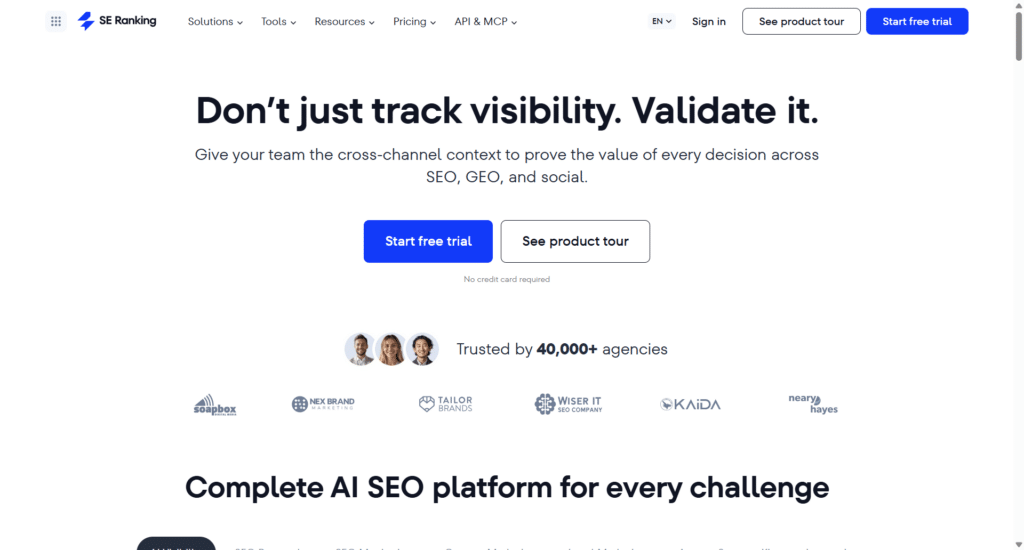
SE Ranking is the spine of the stack, returning rank, keyword, audit, backlink and AI-visibility data from one platform you can actually report from.
Best for: agencies and mid-market in-house teams that want one platform returning the core SEO data, in a form that drops straight into their own reporting.
Standout feature: API and MCP are included in every plan, so the data (rankings, keyword metrics, backlinks, AI-answer visibility across ChatGPT, Gemini, Perplexity, AI Overviews and AI Mode) flows straight into your dashboards and AI assistants.
Pair that with a 115-check site audit and 188-database keyword coverage, and one lead report from a single source of truth.
Pros:
- Returns data via API and MCP on every tier, not a top plan
- Tracks 5 AI engines besides classic keyword rankings
- Runs a 115-check technical audit with JavaScript rendering
- Ships white-label client reporting via the Agency Pack
Cons:
- Deeper LLM sentiment analysis sits behind the AI Search add-on
- Some databases run smaller than single-purpose data specialists
- Rewards teams that already work in systems, not one-off pulls
Pricing: Core $129/mo ($103.20/mo billed annually), Growth $279/mo ($223.20/mo billed annually). API and MCP are included in every plan.
The ledger: What it returns pays back across the whole stack: rank, keyword, audit and AI-answer data in one reportable feed, with the pipes to move it wherever you work.
A link-first team still runs a dedicated backlink tool alongside it, but nothing else on your list earns its place this widely.
Step 2: Crawl and fix the site
Before you spend on authority, the pages have to hold together, so start with a full technical crawl.
2. Screaming Frog

A desktop crawler that reads a site the way a bot does, page by page, at whatever depth you set.
Best for: technical SEOs and auditors.
Standout feature: Point it at a domain and one pass returns broken links, redirect chains, duplicate or missing metadata, structured-data errors and Core Web Vitals flags.
It renders JavaScript for framework-heavy builds, and it connects to GA, Search Console and PageSpeed so crawl findings sit beside real traffic numbers.
Pros:
- Deep, granular crawl control
- Renders JavaScript for modern frameworks
- Integrates with GA, GSC and PageSpeed
Cons:
- Desktop app; crawl scale is bound by your RAM and disk
- Annual-only license, no monthly option
Pricing: Free up to 500 URLs, then £199/year per license (billed annually).
The ledger: It returns a full inventory of technical faults, broken links, redirect chains, duplicate and missing metadata, structured-data and rendering issues, so your fix list is concrete before any authority work begins.
Step 3: Build and measure authority
With the site clean, the next job is earning and tracking links, because authority still moves rankings: 73% of AI Overview source links point to pages already ranking in the organic top 10, and the most-cited AI Overview domains carry very large backlink profiles.
3. Ahrefs
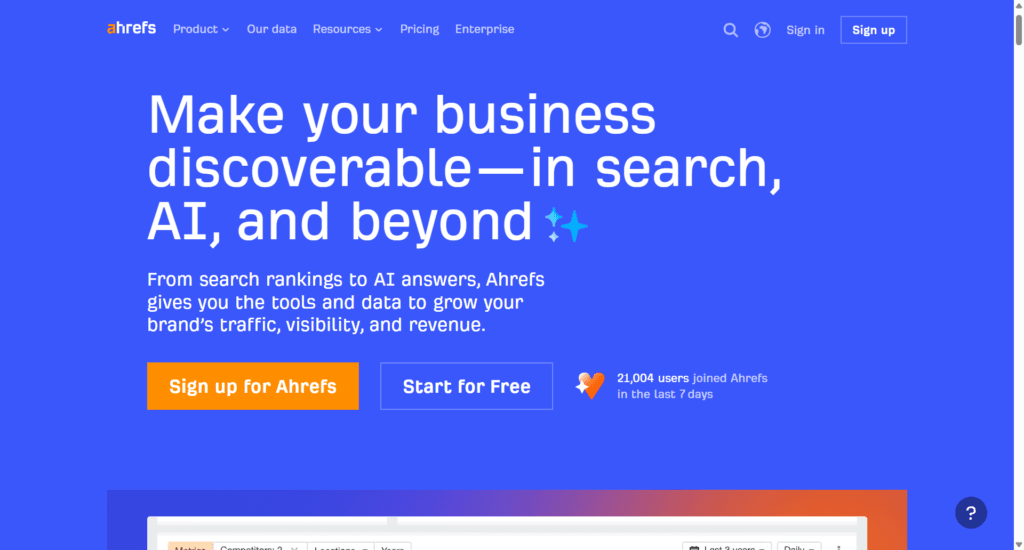
A backlink-first platform built around a large link index, with referring-domain, anchor and rating metrics teams plan around.
Best for: backlink-led and authority teams.
Standout feature: Site Explorer is the core: enter any domain, and it returns referring domains, backlink history and anchor-text breakdowns, scored with its own Domain Rating, URL Rating and Keyword Difficulty.
Brand Radar, added more recently, tracks where a brand gets mentioned across AI answers alongside the link data.
Pros:
- Large backlink index with detailed referring-domain data
- Proprietary DR, UR and KD metrics teams standardize on
- Brand Radar extends tracking into AI mentions
Cons:
- One user per tier; extra seats cost more
- API row limits scale by tier
Pricing: Lite $129/mo, Standard $249/mo, Advanced $449/mo; Starter $29/mo.
The ledger: It returns the backlink and referring-domain picture your outreach runs on, plus scores to benchmark link growth over time. Read it next to SE Ranking, not as a full replacement.
Step 4: Cover the wider channel picture
Once technical and authority are handled, some teams want one suite spanning search, paid and content, and this is where a broad platform fits.
4. Semrush
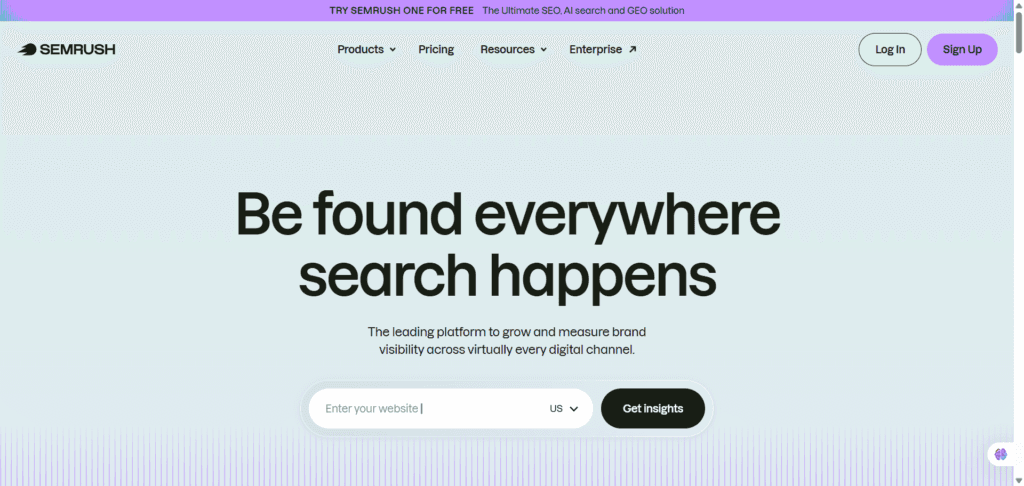
A wide all-in-one suite covering SEO, PPC, content, social and market research from a single login.
Best for: teams that want one wide suite across channels.
Standout feature: The Keyword Magic Tool and daily position tracking anchor the SEO side, while the suite also carries PPC, content and social modules and market-research data.
Newer tiers add AI-search monitoring and an MCP connection, so the platform stretches across channels most single-purpose tools leave out.
Pros:
- Broad coverage across SEO, PPC, content and social
- Keyword Magic Tool and daily position tracking
- Newer tiers add AI-search monitoring and MCP
Cons:
- API only on Advanced and up
- AI-search features split into pricier bundles
Pricing: SEO plan $139/mo, Starter with SEO plus AI Search $199/mo, Advanced $549/mo.
The ledger: It returns coverage breadth: keyword, rank, paid, content and social data in one place. Depth in any single area and API access sit behind the higher tiers.
Step 5: Read your own Google signals
Before you weigh any paid tool, know what Google already tells you for free about your own pages.
5. Google Search Console
Google’s own free reporting on how your verified sites actually perform in organic Search, straight from the source.
Best for: every team; the free first-party baseline under any paid stack.
Standout feature: URL Inspection shows exactly how Google sees any single page, whether it is indexed, and why.
Coverage and indexing reports flag problems across the whole property and raise alerts when something breaks, so you catch dropped pages before they cost you traffic.
Pros:
- Real click, impression, position, and query data from Google
- URL Inspection plus coverage alerts
- Free, no seat limits
Cons:
- Your own verified properties only, no competitor view
- Google Search only; roughly 16 months, sampled rows
Pricing: Free.
The ledger: No paid stack replaces this. It is the ground truth on your own performance, and every other tool here should be checked against it. Start here, then layer paid data on top.
Step 6: Shape content engines can cite
Once you know how pages perform, this is where you make each draft match what already ranks.
6. Surfer SEO
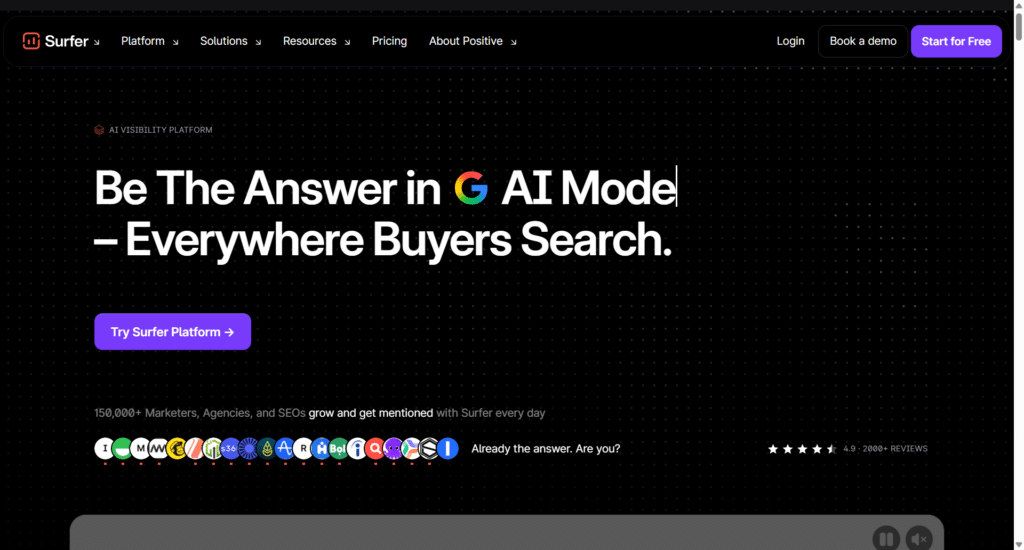
On-page content optimization that scores your drafts against the pages already ranking for your target term.
Best for: content teams optimizing on-page at scale.
Standout feature: The Content Editor scores a draft in real time against the SERP competitors for your keyword, so writers see what to add. Surfy, the built-in AI assistant, drafts inside the same view, and AI-prompt tracking watches how you surface across ChatGPT and other LLMs.
Pros:
- Real-time draft scoring against ranking pages
- Surfy AI assistant built in
- AI-prompt tracking across ChatGPT and other LLMs
Cons:
- Content only; no rank tracking or backlinks
- API only on the top plan; listed prices are annual rates
Pricing: Discovery $49/mo, Standard $99/mo, Pro $182/mo (all billed annually).
The ledger: Buy it for the writing room, not the whole workflow. It makes drafts match what ranks, but you still need separate tools for rankings and links.
Step 7: Watch competitors’ paid and keyword moves
With your own content in shape, turn outward and read what rivals are bidding on and ranking for.
7. SpyFu
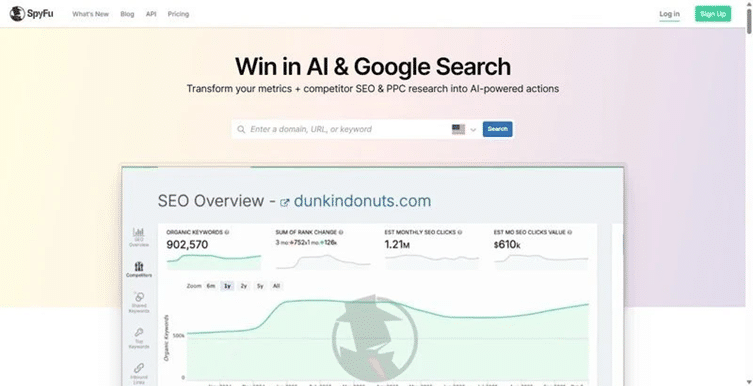
Competitor PPC and keyword intelligence, built to show you what rivals bid on and rank for over time.
Best for: teams doing competitor ad and keyword research.
Standout feature: SpyFu keeps a long history of competitors’ ad copy and paid-keyword activity, more than a decade on the Professional plan, so you can see how a rival’s campaigns shifted.
It bundles sales-lead and domain-contact data, and every paid plan allows unlimited exports.
Pros:
- Deep historical ad copy and paid-keyword history
- Bundled sales-lead and domain-contact data
- Unlimited exports on paid plans
Cons:
- Smaller, less-fresh index compared to the best SpyFu alternatives
- Does not suit deep backlinks
- API only on Professional and up
Pricing: Basic $39/mo ($33/mo billed annually), Professional $79/mo ($58/mo billed annually).
The ledger: Hire it for one job: reading competitors’ paid and keyword moves. If that holds up, the unlimited exports help. For backlinks or a fresh, broad index, look elsewhere.
Assembling your own stack
Run SE Ranking as the spine that returns the core data: rank, research, audit, and AI visibility in one place.
Add Screaming Frog for deep crawls, Ahrefs for link depth, and Surfer for content, and keep Google Search Console underneath as the free first-party baseline.
SpyFu and Semrush earn a slot only when competitor-ad or cross-channel work is a real part of the job.
The one skip: do not run two broad suites that return the same data twice; you pay in confusion, not coverage. On the bar most people miss, only 11.53% of advertisers that ran Google AI Mode ads actually appeared in the answer’s cited sources.
You earn citations; you do not buy them, so keep the tool that returns the data you work from, starting with the site audit.
FAQ
What is the best SEO tool for competitor site analysis?
Pair SE Ranking’s competitive research for organic keywords, gaps, and shared SERP real estate with SpyFu when you need paid-ad history and copy over time. The first tells you where a rival ranks and why; the second shows what they have been buying. Together they cover both sides of the board.
Which SEO tools help most with backlinks and authority?
A deep backlink tool such as Ahrefs returns the referring-domain depth and anchor detail link work runs on. Authority is not vanity now; it feeds AI citations, since the sources answers quote tend to be the ones with real trust behind them. Track authority as a citation input, not a scoreboard number.
Do free SEO tools have a place in a professional stack?
Yes. Google Search Console is your first-party truth on impressions, clicks, and queries, and no paid tool replaces it. Screaming Frog’s free tier handles small crawls and quick technical checks without a license. Both belong in any serious stack, sitting underneath the paid layer rather than competing with it.
Which SEO tool should anchor the stack?
Anchor on one broad platform that returns rank, research, audit, and AI-visibility data from a single project, which in practice means SE Ranking. Build the specialist SEO tools around that core rather than stacking overlapping suites. The spine returns your everyday numbers; the specialists go deep where a specific job demands it.