Artificial intelligence has given rise to some seriously insane technological innovations. One of which is synthetic voice generators.
You can clone anybody’s voice within the blink of an eye, and you don’t need any heavy equipment or technical skills to do that. Whether it’s a celebrity, public figure, or politician, it’s easy to mimic any voice.
The best AI voice generators let you clone, turn text into speech, or generate realistic, humanlike voices in different languages, accents, tones, and emotions, making it sound more natural.
You can use these voice AI-like-human applications for various purposes, such as advertising, YouTube videos, documentaries, songs, educational materials, and e-learning.
However, several AI voice creator software are available, making it difficult to know which suits your specific needs.
Luckily, you don’t have to test them all; I have done the initial research, and here are my best realistic automated voice generators.
1. VEED
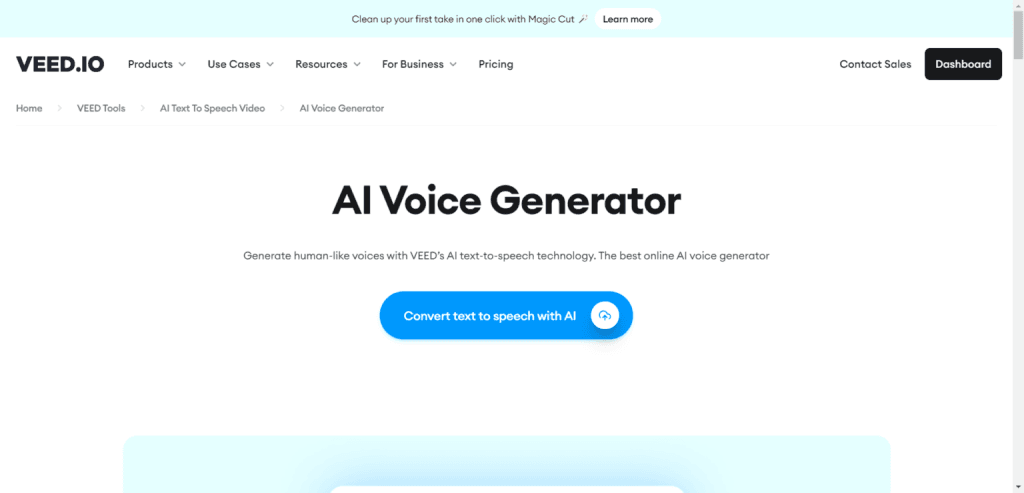
VEED is a super-realistic AI text-to-speech generator. Perfect for YouTubers, content creators, and advertising agencies. Its interface is beginner-friendly and intuitive, with features that make audio and AI video generation content effortless.
You can use VEED for all AI speech generator and video content creation needs. Its text-to-speech feature has excellent capabilities. It lets you create AI-generated audio using voice-over or text-to-speech.
It’s available in over 200 languages and features different accents.
For example, you can choose from a range of English accents, including British, American, Australian, Nigerian, Kenyan, Indian, and Arabic.
Next, select your AI voice avatar from the list. Each synthetic voice avatar has its name and gender character—type in your text for the VEED AI avatar to read aloud.
The text area is character-sensitive to commas, punctuation, question marks, and other characters. So, when you include punctuations, exclamations, and commas in your text-to-speech fragment, the AI reads your text to sound precisely what you mean.
VEED includes features that make it easy to add background music, voice, and special effects to your video. You can drag, trim, or click the voice into any scene in the video timeline.
VEED Tops Features
Check the pricing page for full VEED features and platform capabilities. You can also watch the video explanation to learn more about VEED.
2. Freepik
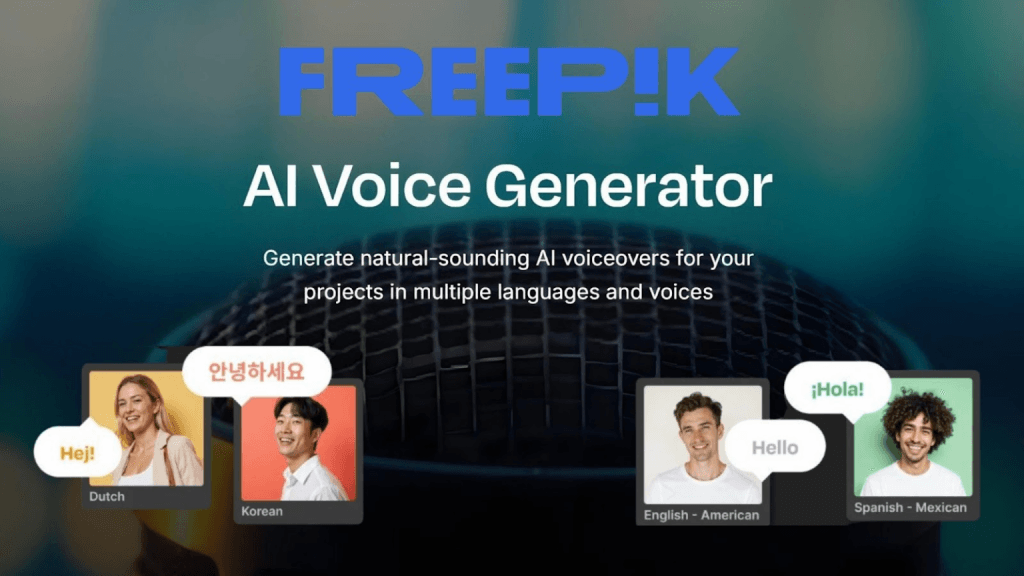
Freepik’s AI voice generator is a text-to-speech model that instantly transforms any text into natural-sounding voiceovers.
Once you have copied in or written the script, you have the option of selecting from a variety of voices, categorized by nationality and characters, all of which have their unique accent and characters.
The results are so high-quality that it’s hard to tell them apart from a real person, making them perfect for adding a human touch to video narration, presentation voiceovers, or podcasts.
The language options make this feature stand out, especially for businesses with global reach or for YouTube channels that need narration in multiple languages.
Freepik Voice Generator’s top features
3. Synthesia
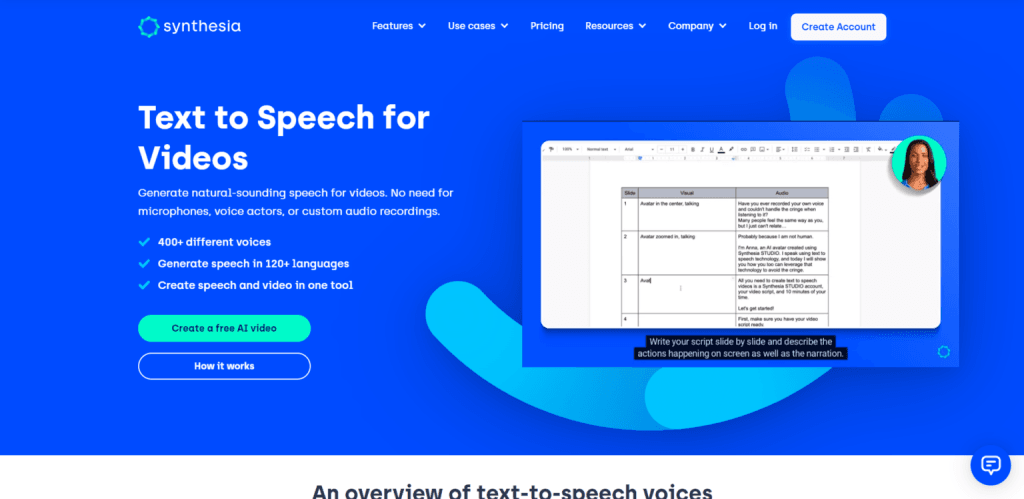
Synthesia is a popular AI voice generator used by leading industry companies such as Reuters, Xeros, Cocado, and more for training and development.
It has over 400 humanlike male and female artificial intelligence voices in over 120 languages. The AI avatar has different characters and names; you can access them by accent or language.
Synthesia’s AI avatar has a human-like appearance (male and female). You can use the platform to create highly customized and engaging video explainers, tutorials, educational content, advertisements, and more.
It lets you clone your voice, add voice-over to video content, use AI transitions and animations, and create audio and video tracks, shapes, etc. There are endless possibilities for editing audio or video content with advanced elements and features.
Watch this video to learn how the Synthesia AI speech generator works.
With Synthesia, you don’t need recording equipment to bring your ideas to life. The text-to-speech or AI voice changer, along with other features, enables beginners to create video and audio even without prior experience.
Synthesia Top Features
4. Invideo
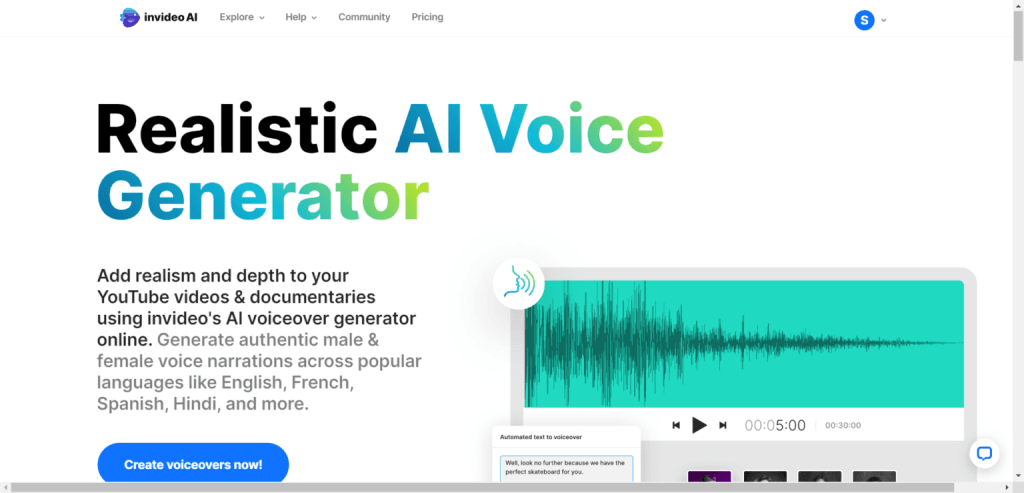
Next on the list is Invideo, and having used the software, I can confidently tell you Invideo is one of the best AI voice generators out there.
It lets you create AI voices that sound like real people by selecting the language, accent, and voice type of your AI-generated speech.
From English, Spanish, French, Italian, Portuguese, Afrikanna, and Chinese to Arabic, Invideo lets you create content appealing to different regions, ethnicities, nations, accents, and languages.
It takes only three steps to convert script or text into AI voices that sound real and precisely human-like with Invideo.
Step one prompts your ideas into the software; step two, edit your text and the voice-over, add animation and effects, or use a template design to start. Lastly, export the video in your preferred format, like MP4 or MP3.
Invideo Top Feature
Note: Check the full Invideo AI review to learn more about its extensive features and AI capabilities.
5. Amazon Polly

This powerful AI voice generator synthesizes natural-sounding human speech using deep learning.
For developers, e-learning platforms, agencies, and voice tech companies, Amazon Polly can be the game-changer.
Through its API, developers can integrate Amazon Polly into their products, such as apps, ebooks, eLearning products, and platforms.
The software is beginner-friendly and easier to use. You only need to send your text to it via the API.
Firstly, your text is retrieved by AMS Lambda, which sends it to Amazon Polly for processing. Amazon Polly converts text into AI-generated speech and returns both the text and the audio to Amazon S3 or back to your applications.
The audio stream can be stored and distributed in MP3, OGG, Vorbis, PCM files, and other supported formats. Amazon Polly supports various world languages and accents, including French, German, Australian English, British English, American English, Spanish, Brazilian, etc.
Pricing-wise, Amazon Polly operates on a Pay-as-you-go model. You’re billed for the number of texts or characters processed monthly.
There are two audio output qualities: Amazon Polly Standard and Neural Voice.
The standard is billed at approximately $4 per 1 million characters, while the Neural voice quality is roughly $16 per million. A free trial gives you 5 million characters for the Standard plan and 1 million free characters per month for the Neural voice quality.
Amazon Polly Top Features.
6. IBM Watson Text-to-Speech
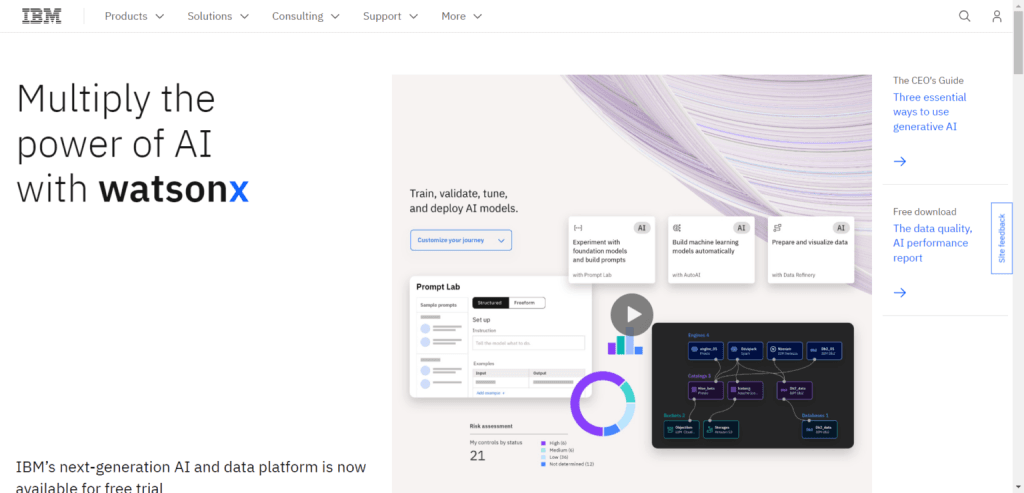
Another API for text-to-speech or audio generation is suitable for developers, contact centres, language training apps, call centres, and audio analytics, etc.
IBM Watson text-to-speech is an API cloud service converting text into natural-sounding humanlike voices. It lets you generate AI voices in different languages, voices, accents, and styles.
The speech rate and pitch are adjustable, AI voice characters can be selected, and more.
You can deploy the IBM Watson text-to-speech application on any cloud service, hybrid, or multi-cloud premises. You can use it on any cloud server. It also includes IBM’s state-of-the-art security features, ensuring your data remains safe and private.
The IBM Watson text-to-speech generator targets developers and businesses with a large-scale need for AI voice generation technology.
IBM Watson Text to Speech Top Features.
7. iSpeech
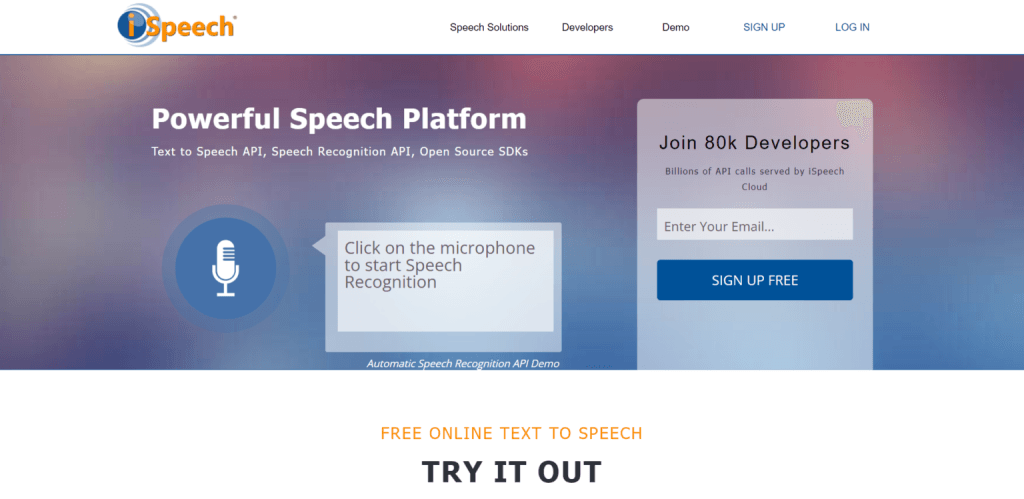
iSpeech is another API text-to-speech service provider for consumers, businesses, and web application developers. It offers voice cloning, web SDK, and a free mobile app for developers.
The text-to-speech software lets you generate realistic humanlike voices in over 27 languages and accents.
Three reading speeds are available: Slow, Regular, and Fast. This lets you control the speech rate to suit your audience’s expectations and improve communication.
iSpeech is also available as a Google Chrome Browser extension (Select and Speak), allowing you to highlight text on any web page and listen to it read out. This can be very helpful for learning word pronunciation and languages.
The text-to-speech audio version is available in multiple formats, including MP3, OGG, WMA, MP4, AIFF, ULAW, VOX, WAV, etc. This helps you reach diverse audiences across platforms and devices.
iSpeech Top Features
8. Play.ht
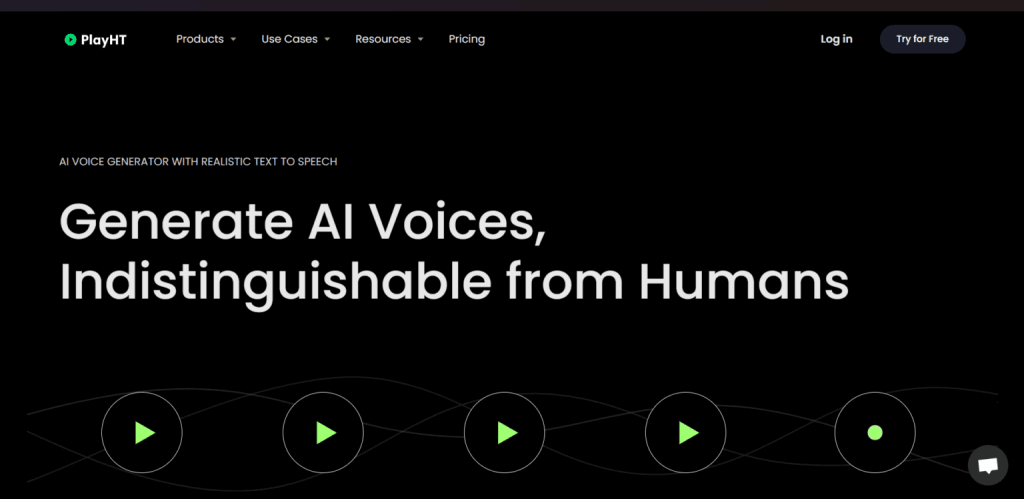
Trusted by big companies like Salesforce, Hyundai, and DoorDash, Play.ht is one of the best AI voice generators you can trust.
It lets you create a natural-sounding human voice from text input. In addition, you can clone your or any human voice for future use, and developers can use the voice generation API access in their development.
Play.ht has one of the largest libraries of natural-sounding AI voices, with 800+ voices across 142 languages, accents, and humanlike intonations.
You can use Play.ht AI voice changer for several use cases, such as training voices, gaming, audiobooks, children’s voices, narrative stories, advertisements, conversational videos, local accents, video explainers, etc.
Play.ht Top Features
FAQ – Best AI Voice Generator
What is The Best AI Voice Changer App?
Synthesia is one of the best AI voice applications, letting you generate human-like speech in over 400 different voices, accents, and 120+ languages. The features include an AI avatar, which makes your video more engaging and helps narrate your story. With Synthesia, you can download, stream, or embed your video on any website online.
Can I Clone or Generate My Voice Using AI?
Which is The Most Realistic Voice AI Generator?
Many AI voice changers generate realistic, human-like voices. You can try some of the AI voice software listed here. For example, VEED, Synthesai, and Amazon Polly generate highly realistic-sounding human voices.
Are AI Voice Generators Legal?
On their own, AI voice cloning tools are legal and free to use. However, the legality of AI-generated voices by individuals, companies, and businesses depends on the jurisdiction, the purpose and intent of use, and whether they infringe on others’ rights.
Conclusion
Choosing the best AI Voice generator, even for seasonal online users, can be challenging.
There is a lot of hype surrounding AI technology, and the AI-generated text-to-speech industry is no exception. Knowing which option suits your needs is difficult unless you know the technology, even for advanced users.
Given their popularity and the sheer volume of their user base, the speech generator tools listed here are among the top natural-sounding humanlike AI software. Consider trying a few on the list and see how they can help you achieve your goal.
However, if you’re a developer, Amazon Polly or the IBM Watson text-to-speech is your best bet. These are software or platforms purposely developed for developers. They make it easier to plug into their platform through API features and deploy on your platform.