

You may already know about some of the best picture sharing platforms, such as Facebook, Instagram, and Pinterest, but do you know that there are other platforms where you can publish your photos for free?
These photo-sharing sites allow casual users, photographers, and anyone to upload, download, edit, share notes, and create and organize albums.
More than sharing your bright moments with loved ones, image-sharing platforms can improve your website SEO and traffic and increase brand identity and reach.
I will reveal some of the best photo storage sites you can use to drive more free website traffic and increase brand exposure.
Twelve years ago, users’ daily pageviews on Google Images exceeded 1 billion.
As expected, that number will rise in 2025, giving us insight into how much traffic visual content can drive from Google search results.
If you’re not using visual content in your digital marketing campaign, maybe it’s time to rethink your SEO strategies.
Here are eleven photo-sharing platforms to drive more free traffic, increase brand awareness, collaborate with team members, and increase engagement.
Best Free Picture-Sharing Platforms
These are the most popular photo-sharing platforms for saving memories, sharing happy moments with others, and having fun.
Some platforms let you keep your files private, share them with friends only, or make them public if you are good with that.
So, let’s dive in.
1. Instagram

With 1.22 billion monthly users, Instagram is a top-rated photo-sharing app catering to casual users, content creators, influencers, and serious photographers.
Most of its user base is 18 to 34 years old; this tells you what content you should publish on the platform.
With about half of those 1.22 billion users logging in daily on the platform, you can quickly get massive views and engagements with the right tactics.
The Marketing Mentor’s Instagram account is an excellent example to follow.
The Marketing Mentors used to post inspiring educational visual content that tells better stories and educates their audience.
The account has over 1 million followers and always publishes interesting educational content.
You should follow the Marketing Mentor if you need high-quality illustrations and graphics to spark inspiration and engage your audience.
Instagram is an image-focused site, giving it a head over other websites.
For optimal file size and resolution, ensure the height is between 566 and 1350 pixels, and the width is 1080 pixels. The image aspect ratios are 1.91:1 and 4.5:1.
2. Pinterest

Pinterest is one of the best image-sharing sites you should be using.
You can post illustrations, Charts, gifs, infographics, videos, memes, etc. Pinterest has an app and an online site for adding pins to your boards.
As of 2024, Pinterest has 537 million active monthly users, which may not be on par with Facebook and Instagram, but it still has many unique monthly visitors.

You can sign up for Pinterest with a Gmail account, Facebook, or any other email client and a password.
Pinterest allows you to create boards to categorize your pins by topic and follow other users’ boards based on topics and interests
This is one of the best ways for a group to share photos online and find compelling digital assets on the platform.
You can create boards and invite other users to contribute to your board. It is an excellent way to collaborate and distribute educational visual content with team members or in groups.
And Pinterest can be a good source of website traffic if you’re consistent and provide value.
Read this guide for more helpful information on how to use Pinterest to drive website traffic.
3. Facebook

Facebook is a social media platform that allows users to share beautiful moments with close friends, family, acquaintances, followers, or a selected list.
Facebook automatically saves photos and videos into an album you can access anytime. You get the essential insight into who views your videos and reels, enabling you to learn how content performs on the platform.
You can privately keep photos, videos, and documents in the Facebook Messenger app.
This allows you to share things you don’t want the public to see on the platform but want only a close group of followers to see.
Also, you can tag people or anyone on your friend list to notify them of your photos. This is an excellent way to ensure someone sees your photos on the platform.
There is no official word on whether Facebook offers unlimited storage for users, but from what I know, I’ve never heard of anyone running out of space on the platform.
However, I don’t think people keep large files of 500MB or more on Facebook, so it’s unlikely they’ll exceed the fair usage policy limits.
4. ImgBB
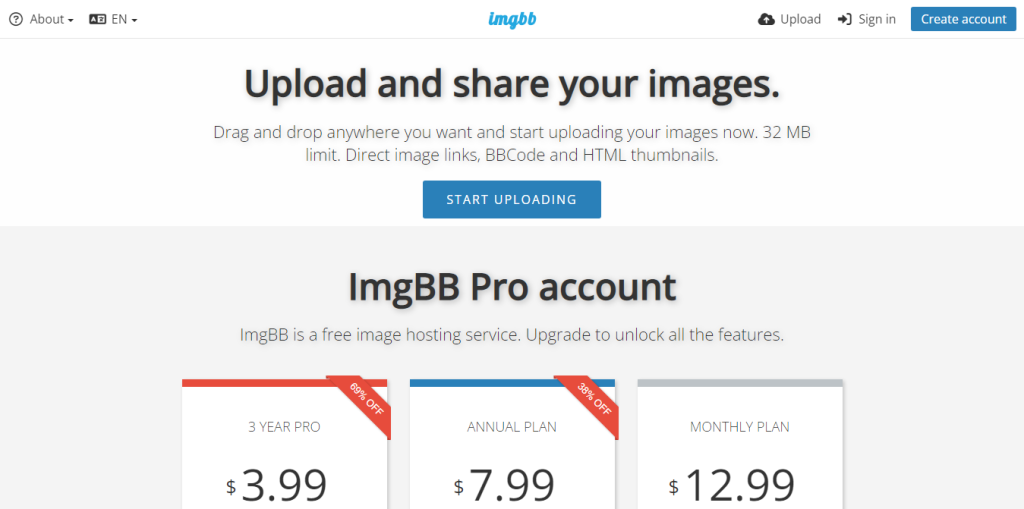
ImgBB is another popular free image-sharing site that lets you save and share your photos and videos with anyone online; it offers a free and a pro account, with more features and storage.
You can integrate imgBB into your website using the imgBB upload plugin, allowing users to upload images and videos directly to imgBB services.
The plugin handles all the integration and customization, so you don’t have to worry about coding.
This is a good way for website users to submit photos to an online application stress-free. If you need to use this option on your website, try imgbb.
The plugin works with any website with user-editable content and a list of supported software:
The pro plan provides unlimited storage space, direct linking capability, ad-free access, and an image-replacement tool.
5. Photobucket ®️
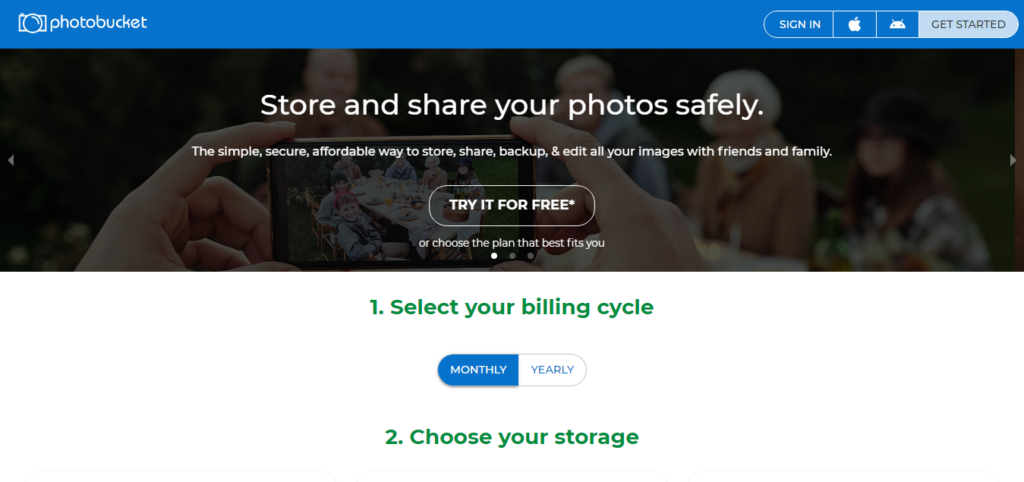
Photobucket ®️ is an image hosting and sharing site with many features that make it your one-stop photo-sharing platform.
It has more than 5 million users and over 15 billion personal images since its launch in 2004. You can post, share, and print your pictures on the platform.
The print option allows you to bring your bright moment to life.
With its link embed tool, you can insert your pics into social media and the web without uploading. So you don’t have to keep adding the same image.
Users on the pro plan can publish on third-party image hosting platforms. Photobucket®️ is available on the IOS and Android app stores and as an online image-sharing platform.
6. iCloud

iPhone, iPad, and Mac OS users can share photos and videos with anyone using the iCloud link.
Although not available in all countries, it’s an excellent way to email privately secured images and videos.
Also, in the latest Apple OS, you can use the Shared Album feature to control permissions for your stored photos and videos.
iCloud is an app that hosts images and videos for sharing and has excellent features for Apple OS users. It works with many Apple products, including Apple TV 4K or Apple TV HD.
7. Google Photos

Google Photos was initially a backup storage service, but it has evolved into an online image-hosting service where you can store and share images with loved ones.
When you add your images, they are kept private by default, but you can make them accessible to anyone online.
Google Photos is a giant online site for hosting photos and videos and comes with some worthy controls:
Note the 15GB storage space is spread across all your Google accounts, including Gmail, Drive, Docs, Google Sheets, etc. The more content you add to these accounts, the faster you run out of your total storage.
However, you can upgrade your free account to buy more storage from Google One at a low cost. There is month-to-month and annual billing. The standard plan has no unlimited storage size; you can buy from 100GB to 30TB.
This gives you more space to save files and content across all your Google accounts and manage storage space from one place.
8. Amazon Photos
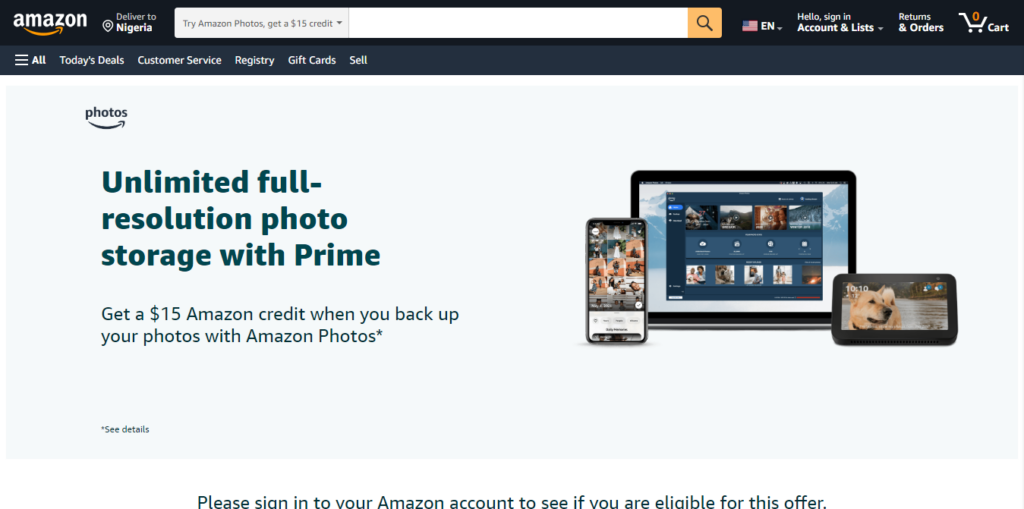
A product of Amazon, Amazon Photos lets you share things with anyone via email, web, or group collaboration.
Free account users get 5GB of storage, while Amazon Prime account holders get unlimited full-resolution photo and 5 GB video space.
One of the advantages of Amazon Photos is security. Your content is secured with state-of-the-art Amazon data encryption security.
Only you and those you grant permission can view things you share. You also have an automatic backup, which keeps everything you save on the platform secure.
You can order print-in tabletops, sizes, and wall decor with free shipping.
Also, you can use your Amazon account across all devices and organize your photos with advanced search filters.
If you need more features and over 5GB of storage, subscribe to one of Amazon Photos’ Prime accounts.
9. Dropbox

Dropbox is a cloud-based photo storage site that empowers team collaboration, document sharing, management, security, e-signature, and insight, and keeps your photos and videos online.
You can use Dropbox to transfer large images and share them with anyone online via a direct link you generate for each document.
Dropbox has many features, making it a perfect productivity suite for businesses and professionals.
As you can see, Dropbox is an extensive online site for uploading photos, videos, and all documents.
The free subscription gives you 2GB of storage; subscribe to one of its paid plans to get more storage and unlock features like file recovery, version history, account synchronization across multiple devices, team collaboration and management, etc.
10. WeTransfer
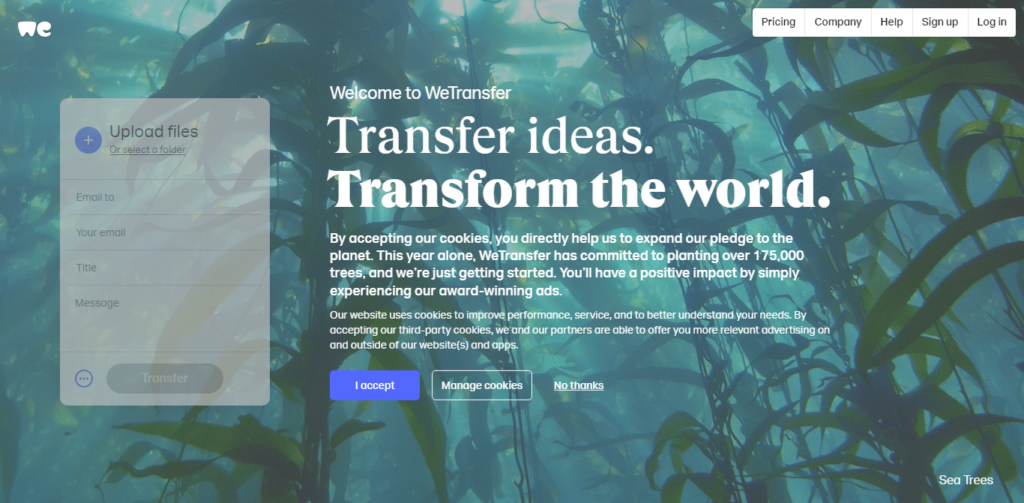
WeTransfer is the perfect online platform for transferring large files up to 200GB in a single folder.
Suppose you have a group of folders you want to send to business associates via email, or you’re an international photographer needing to download photos from clients. In that case, you can use WeTransfer for these purposes.
You can add people to your WeTransfer portal and give them access to view, comment on, edit, or approve files.
And they don’t need to have a WeTransfer account. You need to add them to yours.
Users on the free account have a 2GB transfer limit. Users on the Pro plan can transfer up to 200GB, with no limits.
WeTransfer is one of the best ways for a group to share photos and other documents online. You can upload and share large image sizes with clients and business associates.
The premium plan starts at $10/month and includes 200GB per file, 1TB of storage per team member, and unlimited project reviews.
11. Flickr

Flickr is home to millions of images and over 2 million communities. And it is one of the oldest photo-sharing platforms, where you can save ideas and collaborate with team members.
It was founded by Ludicorp, a company based in Vancouver, British Columbia, Canada, in 2004.
A long-standing favorite among professional photographers, Flickr offers unlimited storage and a range of editing tools. It also allows you to organize your photos into albums and categories, making it easy to manage your portfolio.
You can follow other Flickr users and join groups to participate in discussions and post your photos.
The free account allows users to upload 1,000 photos and HD videos. The paid-tier account offers unlimited uploads and storage, making it ideal for photographers.
The EXIF data, such as the time and location where the image was taken, is kept in your Flickr upload files. So you can always have your image information secure on the platform.
Free users use the ad-supported version of the platform, and upgrade to the pro account for ad-free browsing, advanced statistics, and backup features if they don’t like seeing ads.
And if you want privacy for your photos, you can use Flickr’s Private setting.
Flickr has a feature that lets you customize your web address for sharing on social media and the web, making it easier for users to access your Flickr content.
The Pro account starts at $8.25/month and includes more features and storage space.
How do I upload a photo to an online application?
Depending on the platform or application you are using, many photo-uploading apps require you to select an image from your device’s storage. The image-sharing sites will provide an interface for uploading your images and videos. It could be a simple drag-and-drop feature or a click to select the item from your hard drive.
What is the best photo-sharing platform?
The best photo-sharing platforms are listed on this page. I will add more to the list as time passes and make it a one-stop resource for finding the best image-sharing sites online.
Where can I upload photos for free?
You can use free online tools like Dropbox and WeTransfer. You can also use tools like Google Photos to upload and share your photos for free with others.
Conclusion…
Photo-sharing platforms can be an incredible source of brand exposure, increasing followers and driving more traffic to your business.
But like everything, you must always give value, be consistent, and share exciting and educational images and video content.
The first part is ensuring your images are of excellent quality and resolution; you need an editing tool like Canva to create stunning images in minutes.
Then, you can choose a few of these photo-uploading platforms to increase your reach and shares.

Notice:
Your comment will end up in the trash folder if you spam our comment box. Use your real name, write meaningful and genuine comments. Avoid using keywords or brand name in the name filed and keep your comment relevant to the topic. Thank you.