

I’ve been there; choosing the best web hosting for beginners could be tough. If not guided, beginner bloggers could end up purchasing low-quality services.
When I started this blog in 2012, it was hosted by WhoGoHost. But it wasn’t long before I had to switch to NameCheap.
I wanted to try a different provider, so I migrated to NameCheap in 2015. In April of 2023, I moved this blog to a Cloudways Digital Ocean server before migrating to the Vultr High Frequency.
That was when I realized that the quality of a web host could either make or break an online business. Your business will suffer if you fall victim to a low-level web host.
Based on my experience, here is some helpful information to help you choose and compare different web hosting providers.
Best Web Host For Beginners
If you’re in a hurry, here are my top picks. The table below shows web hosts for different business needs, budgets, and sizes.
| Web Host | Trial Period | Discount Offer | Website Link |
|---|---|---|---|
| Cloudways | 3-day trial | 15% Off 3 Months | Link |
| Namecheap | 30-Day MBG | 50% Off | Link |
| Hostgator | 30-Day MBG | 45% | Link |
| Hostinger | 30-Day MBG | 80% off | Link |
| InmotionHosting | 90-Day MBG | $7.99/mon | Link |
1. Cloudways

Cloudways is a managed cloud hosting platform that allows you to choose from five cloud service providers – Google Cloud, Amazon Web Services, DigitalOcean, Linode, and Vultr.
You can build your website using several applications, including Laravel, WordPress, PHP, Magento, and Joomla, and choose your server options and storage.
Cloudways is a popular, scalable web host that allows you to move up the pricing ladder as your needs increase and you demand more features and tools.
You can subscribe to hourly billing, monthly, and/or annual plans.
Cloudways Top Features
- Flexible pricing – Cloudways’s flexible pricing options give you more control over resource usage and affordability.
- Cloudflare add-on – All Cloudways hosting plans come with the Cloudflare Enterprise add-on for optimum site performance and advanced security features like DDoS attack, Web security Firewall (WAF), automatic mobile optimization, and enabling your site to be ready for the HTTP/3 protocol.
- Free Object Cache Pro – Advanced cache plugin to reduce your database and server load to improve application performance.
- Team Management – Ability to grant specific account access to team members.
- Auto-healing – Never worry about your web server crashing; the auto-healing feature handles server technical issues.
- Automatic Backup – Cloudways provides an easy way to auto-backup your website content.
- HTTP/3 – Cloudways servers are HTTP/2 enabled, significantly increasing the speed of communication between the web browser and users.
Cloudways Pricing
- Digital Ocean – Starts at $12/month
- Vultr – Starts at $13/month
- Linode – Starts at $12/month
- AWS – Starts at $36.51/month
- Google Cloud – Starts at $33.18/month
2. Namecheap
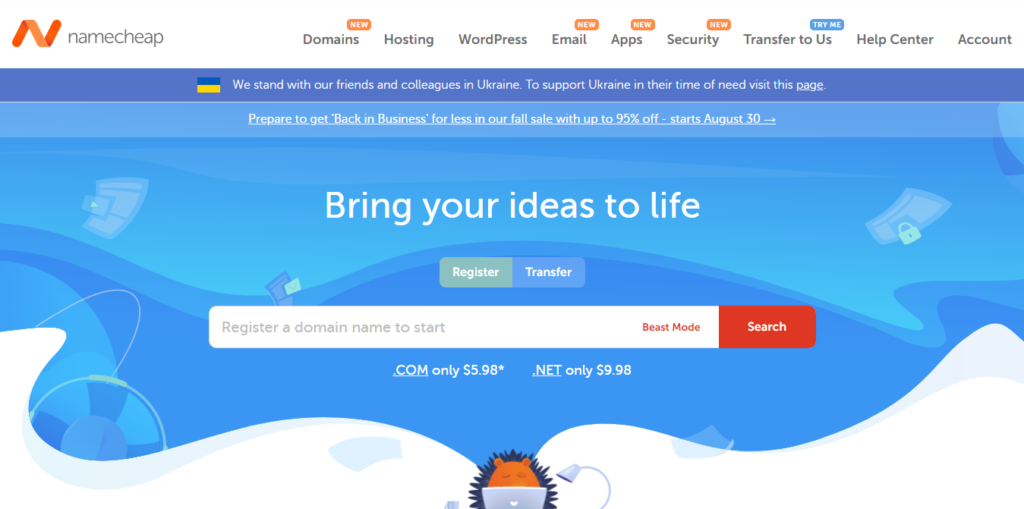
Namecheap offers several hosting options, which are all affordable and beginner-friendly.
The shared hosting plan is ideal for first-time online marketers with an entry-level marketing approach. It is one of the best affordable and feature-rich web hosting options for beginners.
If you have a blog with a decent traffic level, EasyWP is one of the best WordPress hosting. It offers more hands-on maintenance than a WordPress blog.
The setup wizard walks you through the WordPress setup and lets you choose the right plugins and theme for your blog.
Namecheap Top Features
- Custom cPanel – The EasyWP dashboard is customized, simple, and uncluttered, making it easy to navigate important administrative server maintenance tasks.
- Built-in Cache – EasyWP has a 3-layer in-built cache system that provides fast, blazing performance for your WordPress blog.
- Free Migration Services – Namecheap offers free hosting migration services for most of its plans, so you won’t have to worry about migration fees.
- Customer Support – Namecheap offers 24/7 support through live chat and email tickets.
- Free SSL – For most of its hosting plans, it has a free SSL Certificate from Let’s Encrypt.
- Supersonic CDN has built-in content delivery services, which you can use along with your hosting plan.
- Free Domain Privacy – You get 100% off your domain name privacy protection with Namecheap for a year.
Namecheap Pricing
- Stellar – $2.18/month and up to 3 websites.
- Stellar Plus – $3.18/month and allows unlimited websites
- Stellar Business – $4.98/month, allows unlimited websites, 50GB storage, auto-backup, and cloud storage features.
- EasyWP Starter – $4.88.month (10GB SSD and 50K monthly visit limits)
- EasyWP Turbo – $8.88/month (50GB SSD, 200k monthly visit limit, plus 1.5x power and free SSL and CDN)
- EasyWP Supersonic – $13.88/month (100GB SSD, 500K monthly visit limits, with 2x more CPU and RAM power, free SSL and CDN)
3. HostGator
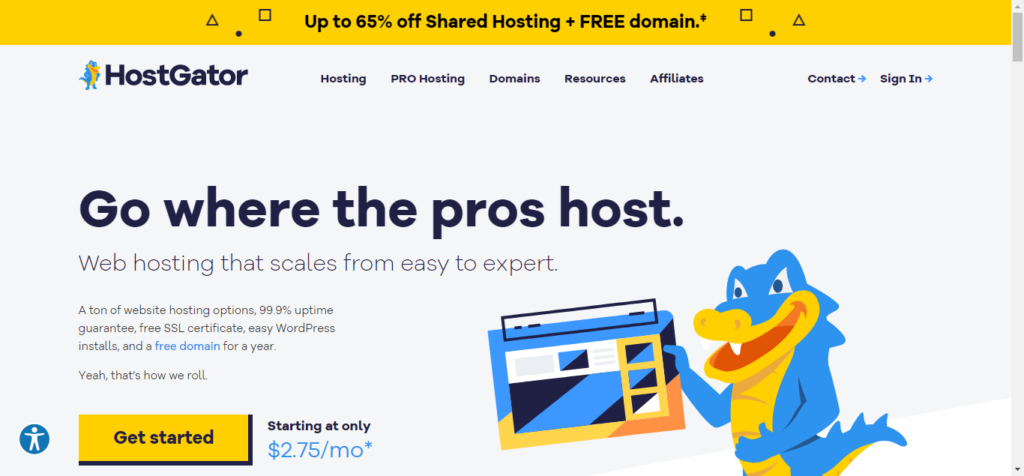
HostGator is one of the oldest, most popular, and most affordable web hosts for beginners. Its price is relatively low compared to other competitors.
If you subscribe to an annual plan, you might get up to 65% off your first invoice.
Hostgator balances performance and price, so you don’t have to sacrifice your website’s performance for cheap hosting.
The service guarantees 99.9% uptime and several hosting options: WordPress hosting, VPS server hosting, Cloud hosting, Dedicated hosting, Reseller hosting, and website builder.
Hostgator Top Features
- Unmetered Bandwidth – Grow as much as you can and worry less about hitting your bandwidth limit (Subject to terms and conditions)
- Free Domain Registration – Your first-year domain registration fee is on HostGator.
- Free SSL Certificate – An industry-standard SSL certificate supported by most browsers is installed for free.
- Free Migration – Migrate your website to HostGator without being charged
Hostgator Pricing
- Hatchling – $2.75/month
- Baby – $3.50/month
- Business – $5.25/month
4. Hostinger
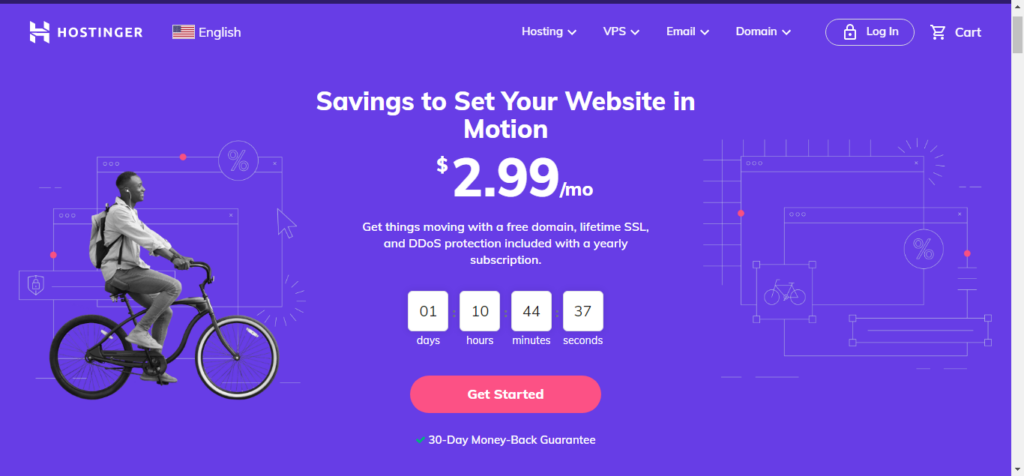
If you’re looking for cheap yet high-performance hosting services, Hostinger is the right choice. Hostinger offers one of the cheapest hosting packages in the industry.
However, you must subscribe to an annual plan to enjoy fantastic discounts.
Hostinger also offers several hosting types, including cloud hosting, VPS, WordPress hosting, Minecraft game hosting server, and email hosting.
Hostinger Top Feature
- Litespeed Cache – Hostinger uses the LiteSpeed server-side cache mechanism to improve website performance and speed.
- Cheapest Price – Hostinger undoubtedly offers an incredibly low-cost hosting price in the industry.
- 24/7 support – email and live chat support
- Staging – Test your WordPress on a staging environment to see the changes first.
- Custom Dashboard – An easy-to-use, built-in custom dashboard
- HTTP/3 and IPV6 – Hostinger uses HTTP/3 and IPV6 to improve website performance without compromising security.
- 1-Click Installer – One-click install your favorite blogging script
- Backup – Weekly and daily automatic WordPress backup is available.
Hostinger Pricing
- Single WordPress – $1.99/month (1 website, 50 GB, and 10k visits monthly)
- WordPress Starter – $3.99/month (100 websites, 100GB, and 25k monthly visits allowed)
- Business WordPress – $6.99/month (100 websites, 200GB, and >100K monthly visits)
- WordPress Pro – $11.59/month (300 websites, 200GB, and >200k monthly visits)
5. InMotion Hosting

InMotion offers several web hosting plans for beginners, from shared, dedicated, and cloud hosting to WordPress hosting; plenty of options exist.
With plans starting at $2.99/month, InMotion Hosting is beginner-friendly and affordable.
The 90-day money-back guarantee also provides maximum protection for your money and the advantage of testing the service for the long haul.
InMotion Hosting offers cPanel for most of its hosting types. This could be advantageous if you want a cPanel dashboard.
InMotion Hosting Top Features
- Advanced Caching – Server-side caching greatly improves your site’s speed and performance.
- WordPress Pre-Installed – Your hosting plan comes with WordPress already installed for you.
- 90-day MBG – For 6-month and annual plans, you have up to 90 days to test the services and request a refund if unsatisfied.
- Staging – InMotion Hosting provides a staging environment to test your site before deploying it on a live website.
- BoldGrid – WordPress drag-and-drop page builder included.
- Auto-update – Automatically update WordPress core installations, plugins, and themes.
- Free Domain – One-year free domain name registration feature.
InMotion Hosting Pricing
- WP Core – $3.99/month (2 websites)
- WP Launch – $7.99/month (unlimited websites)
- WP Power – $7.99/month (unlimited websites with more added features – dedicated opcode cache)
- WP Pro – $15.99/month (unlimited websites and a dedicated IP address included.
- WP VPS – $19.99/month (unlimited websites, comes with more advanced features)
Conclusion…
The best web hosting for beginners largely depends on budget, website administrative knowledge, and business needs.
However, no matter where you are in your online business, one of the above web hosts will be a good fit for your hosting needs.


Thank you so much for this post. It’s very informative. And the analogy that you gave really helped me to understand the topic a bit more. As a beginner, I think I will take your advice and use the Shared Hosting Plan.
Shamsudeen,
Rather, simply listing down the best web hosting for beginners, you have helped them out with a detailed guide and checklist to pick the right one. I appreciate your good will!
Hi Jones,
Glad to read you find this post useful and recognizing the hard work that goes into it, thanks.
Hi Shamsudeen, this is an excellent and well-explained post. You have covered every point very nicely along with in-depth knowledge that is well enough to educate the readers. I truly appreciate your hard work.
Hi Kundan,
Thanks for reading through, and glad to read you appreciate the work being done here. I hope to see you here more often, thanks.
Thanks for such a great article!
You are welcome, Robin.
Thank you for the hardwork you’ve put into this. The knowledge gotten is worth subscribing to your mailing list and purchasing via your affiliate links when one needs to.
Well done!