For many eCommerce and business websites, sending transactional emails isn’t just about the design and content; it is more about the delivery and security. This is where an SMTP service provider comes in.
With an SMTP server, you can trust that your transactional emails are sent, received, and relayed to the correct recipient.
However, you may want to try some of the best free SMTP service providers before going for a paid option.
This post will review some of the best, most free, and most affordable SMTP email service providers.
What is an SMTP Server?
An SMTP server (Simple Mail Transfer Protocol) sends, receives, and relays email messages between senders and recipients.
It follows the SMTP protocol, a standardized communication protocol that enables different email systems to exchange messages effectively.
When you send an email, the SMTP relay server processes the message, verifies the recipient’s email address, and ensures delivery to the correct inbox.
If the recipient’s server cannot be reached immediately, the SMTP email server queues the message and retries delivery. SMTP is the backbone of email communication, ensuring emails are transmitted efficiently and securely across the Internet.
Key Functions of an SMTP Server
Here are the core functions of an SMTP server for efficient, reliable email delivery.
How SMTP servers work
SMTP servers work by acting as a relay between the sender’s email client and the recipient’s email server.
When a user sends an email, their client connects to the SMTP server, which then forwards the email to the recipient’s email service.
The SMTP server uses the recipient’s email address to determine the correct email server to forward the email to. This process involves several steps, including establishing a connection, sending the email data, and closing the connection after the email is transmitted.
Here’s a step-by-step explanation of how they operate:
Step-by-Step Process of How SMTP Servers Work
Email Composition
Connection to SMTP Server
Authentication
Message Processing
Recipient Domain Lookup
Message Relay
Recipient Mail Server Actions
Delivery Confirmation
Example
Suppose you send an email to jane[at]company.com:
SMTP services ensure that emails are reliably sent and delivered across the internet through these simple steps.
Best Free SMTP Servers
Some SMTP service providers aren’t free, but their free tiers offer limited features; you get the best value when you upgrade to a paid plan.
For example, GetResponse offers its free SMTP service in its MAX plan, which costs $97.58/m for the annual plan.
Go through the list, pick the option that fits your business needs, and use any free trial to find the best free SMTP service provider.
1. GetResponse SMTP

GetResponse SMTP lets you send transactional emails through GetResponse. Set up email sending for your e-commerce applications, such as Magento, Shopify, WooCommerce, and PrestaShop.
To access the GetResponse Simple Mail Transfer Protocol service and send emails, you must be a MAX plan user, purchase the transactional add-on, and integrate with the free SMTP relay server to start sending emails.
You can also use the GetResponse API to send and track transactional emails from your CMS; it supports SMTP or API.
Top Features
Pricing
If you’re already a MAX user or are considering subscribing, contact the GetResponse sales rep for a demo below.
2. WP Mail SMTP Plugin
The WP Mail SMTP plugin ensures your WordPress site reliably sends email campaigns by reconfiguring the default PHP mail function to use a proper SMTP service.
This significantly improves email deliverability, preventing email content like contact form entries, password reset emails, and other notifications from being marked as spam.
Integrating SMTP mail providers ensures your emails are sent using the provider’s API keys. This works even if your web host blocks SMTP ports.
It’s an essential tool for websites that depend on email communications for smooth operations.
Top Features
Pricing
With WP Mail SMTP, you can ensure your WordPress site’s emails reach the intended inbox every time, making it a reliable tool for website owners and developers.
3. Google SMTP

Google also provides free SMTP email server services for Gmail accounts to send and manage automated transactional emails.
Google’s free SMTP relay services let you send emails from your website and other email clients from secure ports 465 and 587. The default Gmail SMTP server is smtp.gmail.com, which you can use to send transactional messages globally.
Even when using other email applications like Microsoft Exchange, you can route outgoing emails through Google SMTP relay services.
Top Features.
Pricing.
Google’s free SMTP server offers a 14-day trial with up to 500 emails per day.
After the 14-day trial, you can subscribe to one of its paid plans, which start at $6/month. The starter plan includes up to 30GB of storage, standard support, and advanced security and management tools.
4. Brevo SMTP
Brevo is an all-in-one email marketing tool and automation provider that offers SMS, WhatsApp marketing, on-site live Chat, web push notifications, CRM, and more.
It also provides a transactional email API, marketing automation, meetings, Brevo inbox, Facebook ads, and more.
Brevo also offers straightforward integration with many popular 3rd party digital marketing tools.
Brevo offers a developer-friendly SMTP relay service that is fully customizable and guaranteed to deliver your email message within 20 seconds.
You can generate a new SMTP key at any time from your account dashboard to integrate it with your application.
Top Features
Pricing.
There is a generous free plan with a daily limit of 300 emails. The paid plan starts at $15/m for up to 20,000 monthly emails.
Check out the complete pricing plan on the Brevo page.
5. Moosend SMTP
If you want a simple yet effective SMTP relay service for sending transactional emails such as password resets, invoice notifications, and order confirmations, Moosend could be a better choice.
Moosend is one of the industry’s best beginner-friendly email service providers.
With its SMTP relay service, you can send a direct message to a single recipient or an email list already on the Moosend platform. Connecting to other applications is simple; you can connect through a web API or integrate directly with hundreds of different apps.
Top Features.
Pricing.
The free plan does not offer Moosend SMTP. However, the paid plan starts at $9/month and allows unlimited SMTP email sending each month.
Check the Moosend pricing page for more information and available features.
6. Amazon SES SMTP
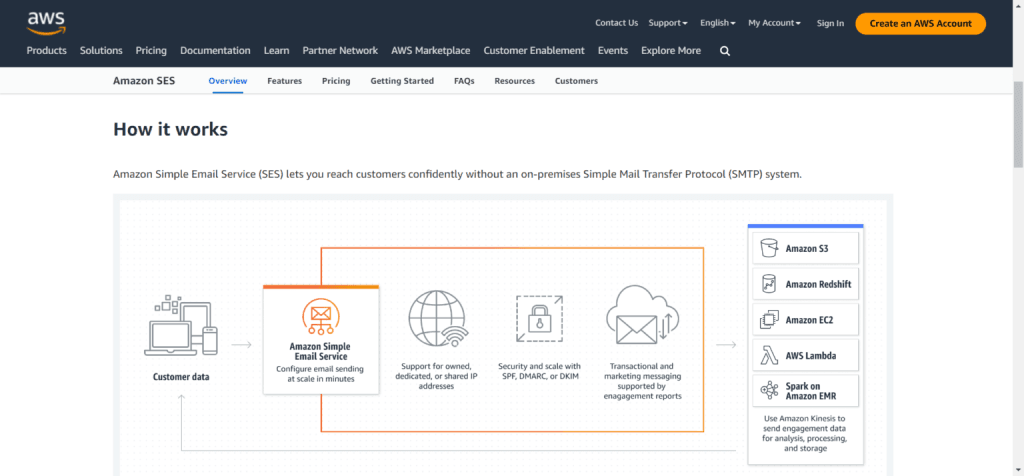
Amazon Simple Email Service delivers hundreds of billions of transactional messages annually and provides users with a secure 2FA authentication protocol.
Amazon SES is a robust cloud-based platform for businesses that require high email deliverability. It is the right choice for high-volume senders. Amazon SES is ISO-certified, FedRAMP-eligible, HIPAA-eligible, and GDPR-compliant.
Amazon SES’s free SMTP relay server has many use cases. It lets you send automated transactional emails and timely notifications, manage customer buying journeys, and send bulk emails to large recipient lists.
Top Features.
Pricing.
The Amazon SES free SMTP server allows up to 62,000 emails per month. However, depending on your usage and the email features you need, you may incur additional charges.
Amazon SES pricing is transparent, allowing you to set your billing based on your use, resources, and features. The pricing page explains Amazon SES billing in more detail.
7. MailChimp SMTP
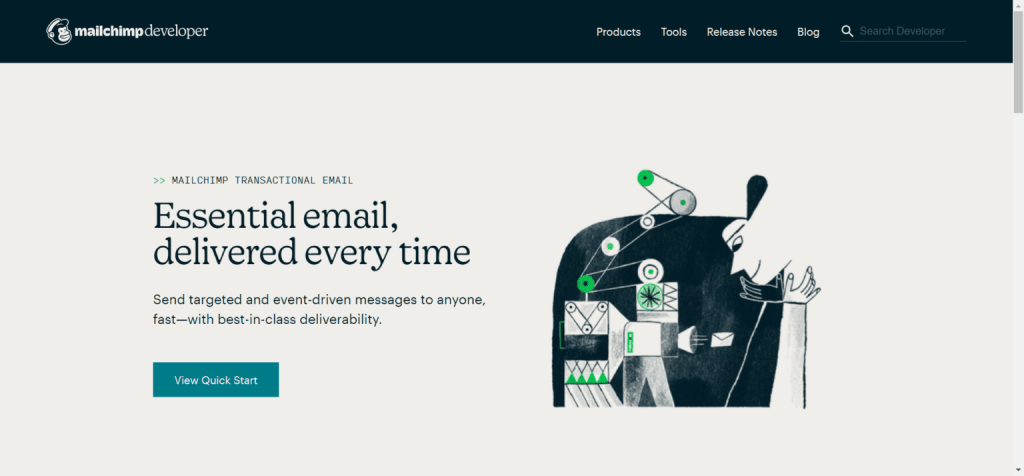
Mailchimp lets you send emails from its servers using its SMTP transactional email credentials. You can also transfer an existing SMTP server, configure it using Mailchimp settings, and send emails.
Mailchimp offers API and SMTP sending options; choose the configuration that best fits your needs.
However, the transactional API-sending option lets you view and access email performance reporting in your CMS or email software.
Also, before sending emails through Mailchimp transactional, you must verify and authenticate SPF and DKIM records to verify account domains.
Top Features
Pricing
New users get up to 500 free emails to try Mailchimp’s SMTP transactional email services.
Mailchimp uses a different pricing model that requires some explanation; you can find it on their pricing page.
In summary, it uses a block system for credits. Each block is a credit for 25k emails at $20/credit. So, if you purchase 2 blocks for $40, you get up to 50k emails to send.
8. Postmark SMTP
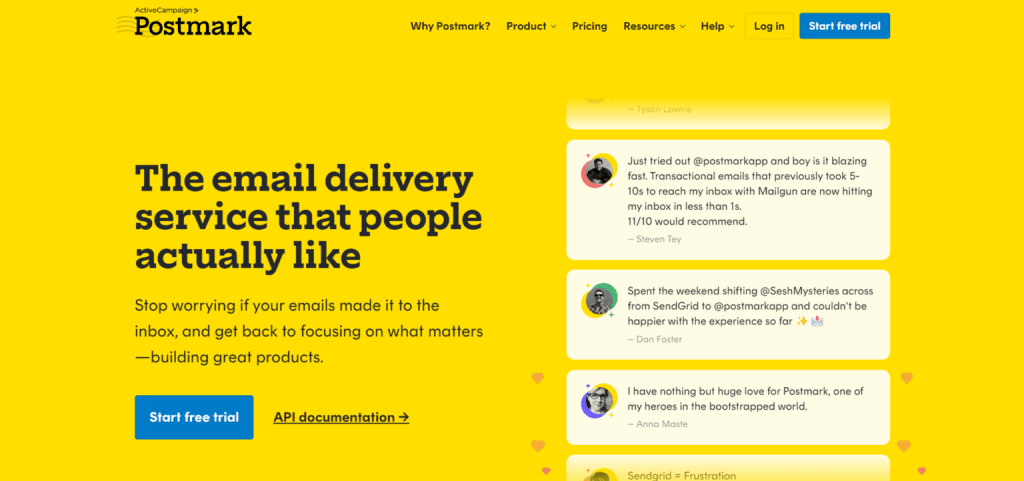
Postmark is a popular SMTP relay provider.
It has excellent customer support and a high deliverability rate. Postmark also supports TLS (Transport Layer Security), and you can send email using either the email API or SMTP.
Postmark guarantees fast email delivery times through global endpoints across many AWS data centers, which can reduce latency.
Top Features
Pricing.
Postmark offers a trial with a monthly allowance of 100 free emails. This isn’t enough if you send regular monthly emails.
The paid plan starts at $15/m for 10,000 emails. If you send more emails, 50k emails start at $55.
9. SMTP2GO
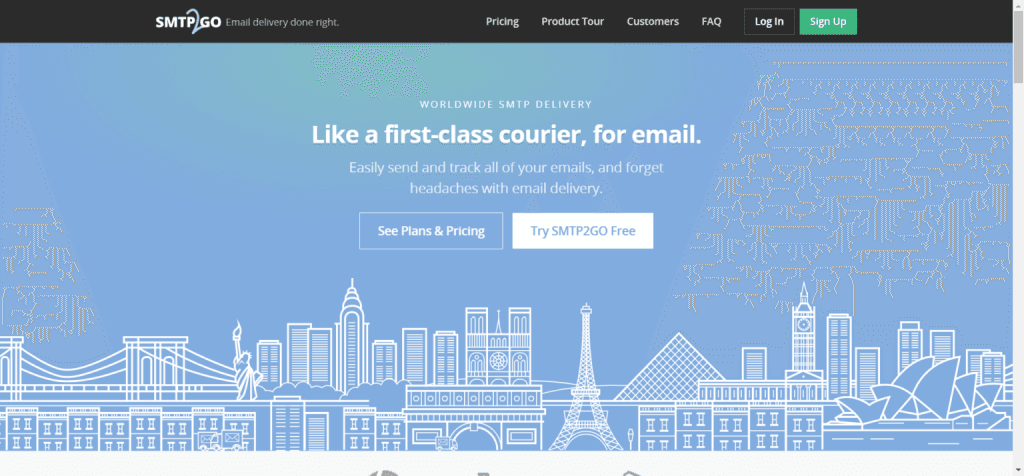
SMTP2GO is a hands-on, free SMTP server provider that lets you focus on your business instead of the technical side of email management.
It offers best-in-class transactional email solutions for small and large businesses.
Whether you’re sending bulk emails or millions of emails monthly, SMTP2GO has the features and email infrastructure to handle all your commercial email needs.
Top Features
Pricing.
SMTP2GO offers a free plan with 1,000 monthly emails and a 14-day trial to access premium features. You don’t need a credit card to access the free plan.
The premium plan starts at $10 for up to 10,000 emails per month. The professional plan starts at $75 and allows 40k emails, plus more features and access.
Benefits of Using a Free SMTP Server
Using the best free SMTP server can be a cost-effective solution for small businesses and individuals who want to send emails without incurring additional costs.
Free SMTP servers can help reduce the cost of email marketing campaigns, making it an attractive option for those on a tight budget. They can also provide a reliable, efficient way to send transactional emails, such as order confirmations, password reset emails, and newsletters.
Free SMTP servers offer several advantages, including the ability to send large volumes of emails without expensive email infrastructure.
They also provide essential features such as spam protection, email tracking, and real-time analytics to help businesses monitor email campaign performance.
By using free SMTP servers, small businesses and individuals can communicate effectively with customers and clients, maintain high email deliverability, and avoid spam folders.
Conclusion
Free SMTP servers are good options for beginner eCommerce store owners looking to cut costs; a paid option offers the best value.
Premium SMTP relay services let you send more emails, access more features, and use better infrastructure and a secure platform to protect users’ data.
There are many options; the best transactional email service provider depends on your needs, business management, and available features.
You can try GetResponse for a paid option and Google SMTP server for the free plan.